Free AI Image Generator Turn Text into Images
Describe your idea, pick a style and shape, and this AI image generator turns your text into an image in seconds. Free with an account: 3 images a day, with no watermark.
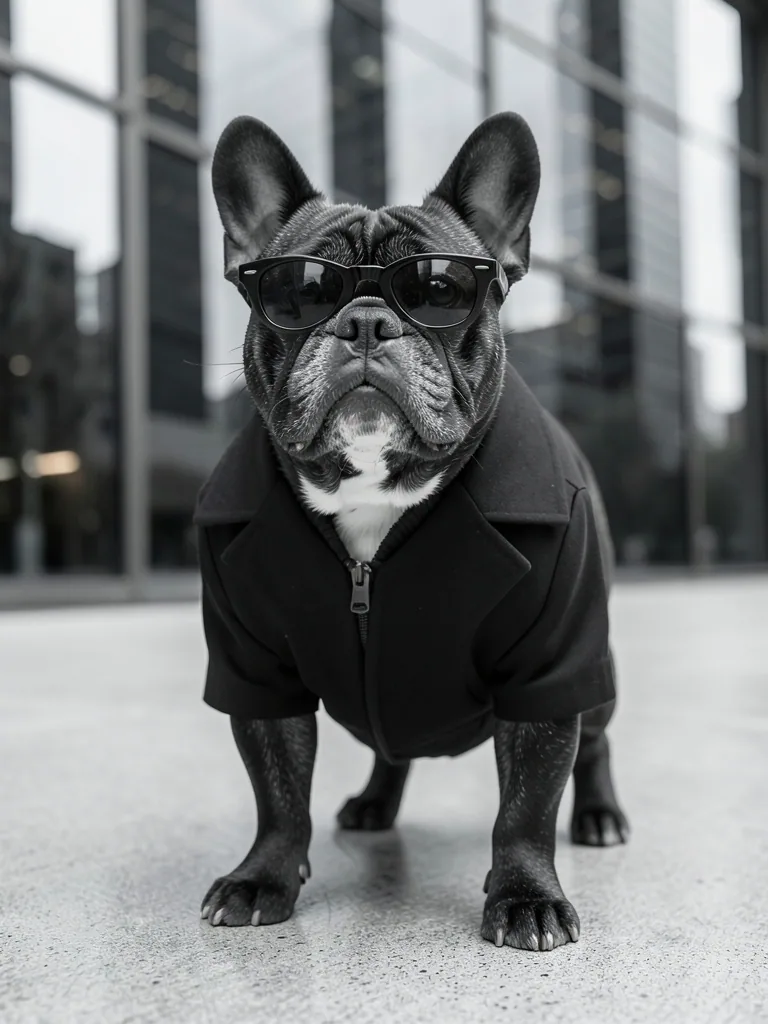
Showcase
40 images made with this AI image generator
Every picture here came straight out of the tool above, with no editing. Tap any image to read the exact prompt behind it, then use it as a starting point for your own.
- 01
Write your idea
A few words is enough, like “winter portrait with hot cocoa”.
- 02
AI improves the prompt
Improve prompt adds lighting, lens, framing and detail for you.
- 03
Pick style and shape
Choose a look and an aspect ratio, from 1:1 to 21:9.
- 04
Get your image
The AI paints it in seconds. Download it free as JPG, PNG or WebP.
One idea, three styles
Same subject, same framing: a woman in a beanie holding hot cocoa in a snowy village. Only the style changed. Pick a style in the tool and it rewrites the look for you.
Frequently asked questions
Is this AI image generator really free?
Yes. There is no watermark and no payment. Each image costs us money to make, so you create a free account with your email and get 3 free images every day; the count resets at midnight UTC. Our other tools, like the background remover and upscaler, need no account.
How do I turn text into an image with AI?
Type what you want to see in a sentence, pick a style and an aspect ratio, and press Generate. The image is ready in a few seconds, and you can download it as JPG, PNG or WebP. Not sure what to write? Press Surprise me or start from one of the 40 example prompts.
What does AI prompt boost do?
It turns a short idea such as "a cat in the rain" into a full prompt with subject, setting, lighting, lens and composition, which usually gives a more detailed picture. Turn it off to send your words exactly as written, or press Improve prompt to read and edit the longer version first.
How do I write a good prompt for an AI image?
Say what the subject is, where it is, the lighting and the mood, for example "a red fox in a snowy forest at sunrise, soft light". Then pick a style such as Photo, Anime or 3D render. With AI prompt boost on, a short idea is expanded for you.
What image sizes and aspect ratios can I make?
Ten aspect ratios, from 1:1 square and 4:5 for Instagram to 16:9, 9:16 and 21:9. The longest side is 1024 pixels. For a bigger file, enlarge the result with the Image Upscaler.
Why did the AI image generator refuse my prompt?
The model has a safety filter that refuses some prompts. Rewording the idea usually helps. If the free daily limit has been reached, the tool says so; try again later.
Are my prompts and images stored?
Your prompt is sent to the AI models to make the image. Our server does not keep your prompts or images; it only records how long the prompt was. Your recent images are saved in this browser only, so clearing your browser data removes them.
Can I use AI generated images commercially?
We add no watermark and claim no rights to the images you make. Avoid prompts that copy real people, logos or well-known characters, since a picture of those can still be someone else's to control.