Blur Background Online Portrait-Mode Blur, Free
Upload a photo or paste an image link to blur the background. The AI keeps your subject sharp and blurs everything behind it, like portrait mode, even on photos taken without it. Free, with no sign-up and no watermark.

or drag and drop your photo here
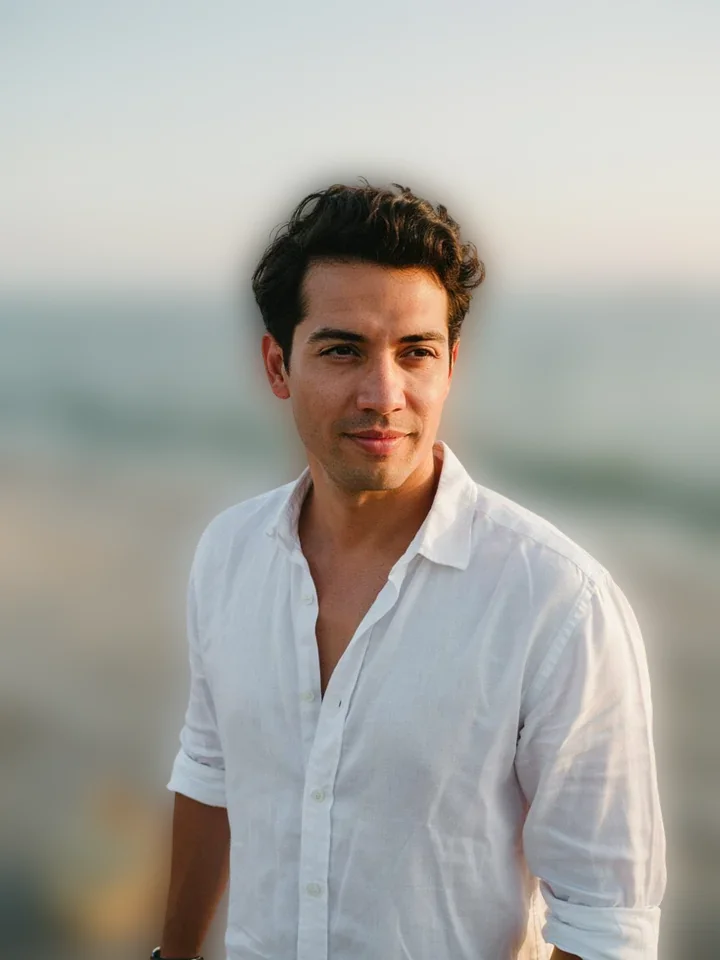
No image? Try one of these:
 Portrait Photo
 Product Sneaker
Blur background examples
Each photo with its background blurred at the default 50% strength, while the subject stays sharp. Pick an example and drag to compare.
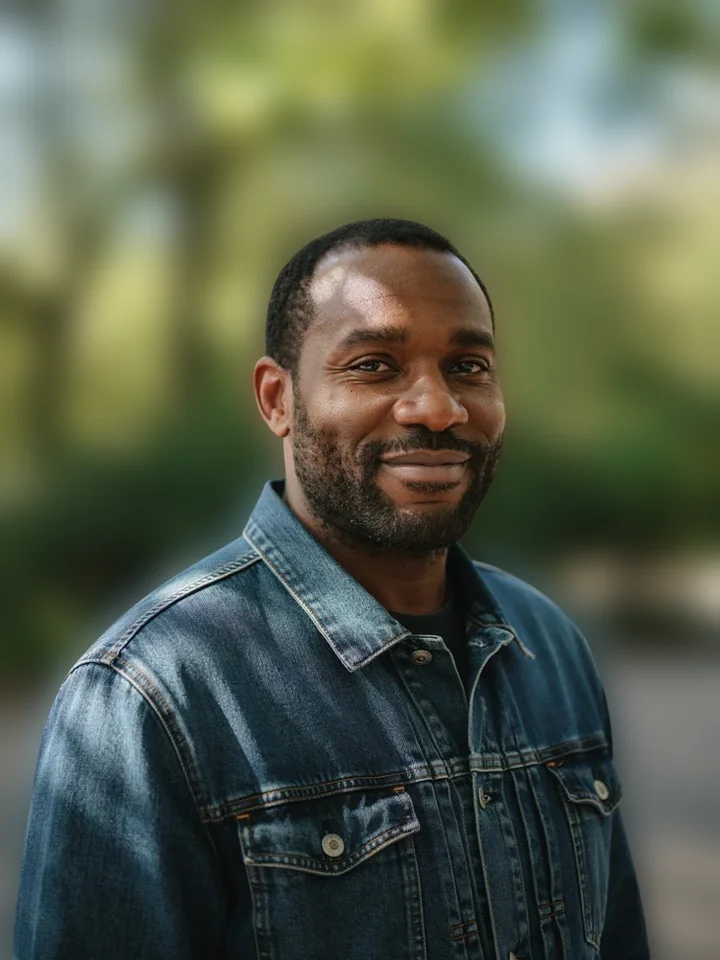
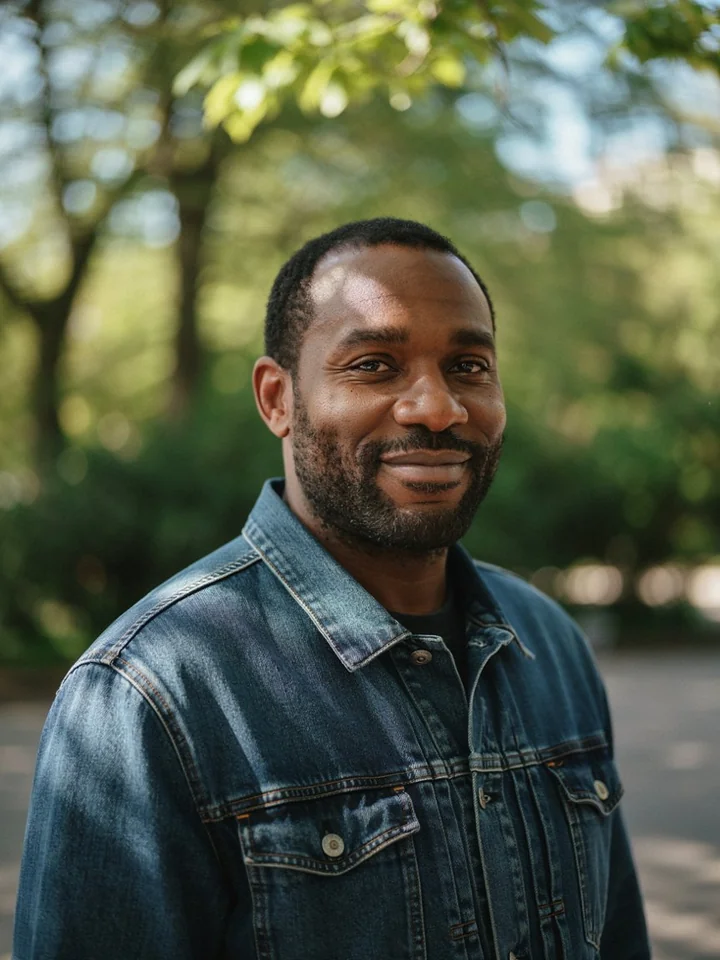
Example 1 of 6
Headshot
Headshot with the park behind him blurred, his face and jacket still sharp.
Drag the handle on the picture to compare.
How to blur the background of a photo
- 1
Upload a JPG, PNG, WebP or HEIC photo, paste one with Ctrl+V, or load it from an image URL.
- 2
Press Blur Background. The AI finds the subject in a few seconds and keeps it sharp.
- 3
Move the blur strength slider until the background is as soft as you want.
- 4
Use Refine edges to fix any spot the AI missed, then download a PNG, JPG or WebP.
Frequently asked questions
How do I blur the background of a photo online?
Upload the photo or paste an image link and press Blur Background. The AI finds the subject in a few seconds and keeps it sharp, then you set the blur strength and download a PNG, JPG or WebP.
Can I blur the background of a photo after it was taken?
Yes. It works on any existing photo, including ones taken without portrait mode. The AI finds the subject from the picture itself, so no depth data or special camera is needed.
How does AI know what to keep sharp?
An AI model on our server finds the main subject, such as a person, pet or product, the same way the Background Remover does. Everything else is treated as background and blurred in your browser.
Can I change how strong the background blur is?
Yes. The blur strength slider goes from 5% to 100% and starts at 50%. The blur scales with the size of your photo, so the same setting looks the same on a small or a large image.
How do I fix part of the subject that got blurred?
Open Refine edges and brush over the part that should stay sharp, or erase anything that should be blurred. Hair, glasses and objects the person is holding are the usual spots to check.
Which photos can I use?
JPG, PNG, WebP or iPhone HEIC, up to 3 MB, from your device or from an image URL. A photo with one clear subject in front of the background gives the best result.
Can I use a colour or another photo instead of a blur?
Yes. Under Background you can switch from Blur to a plain colour, your own image, an AI scene or a transparent background, and download the result as PNG, JPG or WebP.
Is my photo uploaded?
Only to find the subject. The server deletes your upload within an hour and the result within six hours, and photos are never reviewed or used for training. The blur, refining edges and the download all happen in your browser. An image URL is loaded by your browser first and only reaches our server when you press Blur Background.
Is this blur background tool free, with no watermark?
Yes. It is free, with no sign-up and no watermark on the result.