Colorize Photo Free AI Photo Colorizer
Upload a black and white photo or paste an image link, and the AI adds natural colour while keeping every detail. Choose how vivid the colours are. Free, with no sign-up and no watermark.
or drag and drop your photo here
No image? Try one of these:
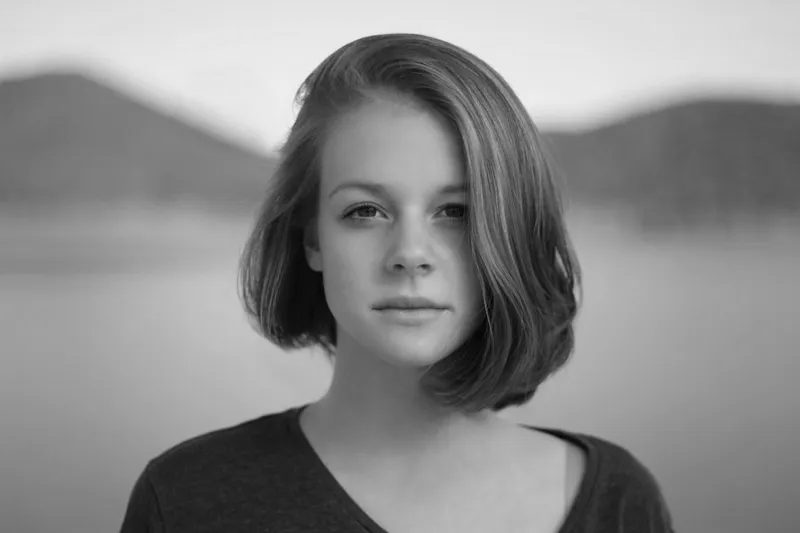 B&W portrait
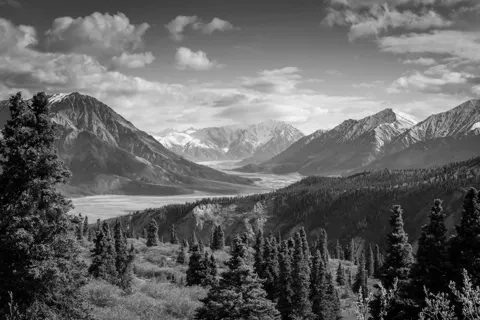 B&W landscape
- Keeps your photo's detail
- No watermark, no sign-up
- Drag the slider to compare
Skin, sky and plants usually look right. Clothes, cars and objects can come out in any believable colour.
Colorize photo examples
Black and white photos next to their colorized versions at the default colour strength. The village, puppy and cat started as colour photos made grey, so their colours are the AI's guess. Pick an example and drag to compare.
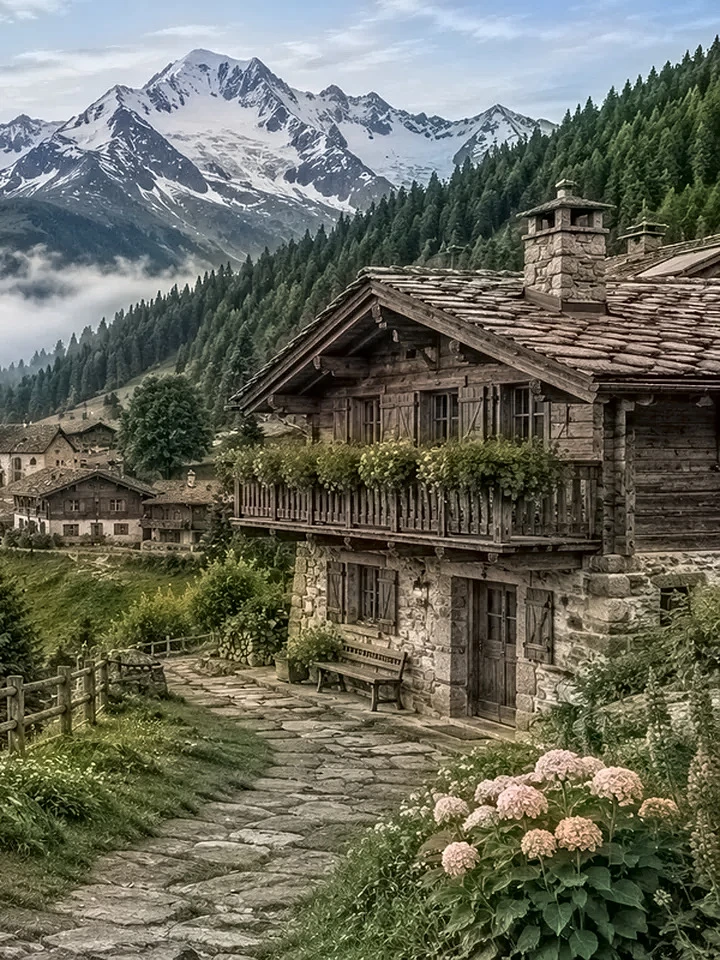
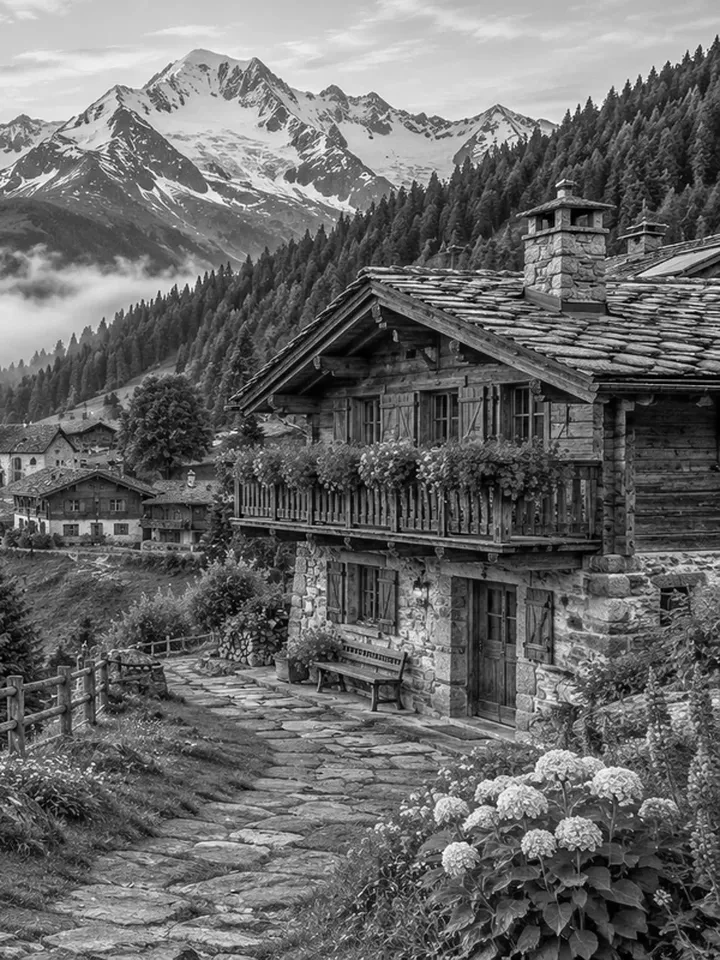
Example 1 of 5
Landscape
Black and white mountain village colorized with a blue sky, green pine forest, snow-capped peaks and pink flowers.
Drag the handle on the picture to compare.
How to use
- 1
Upload a black-and-white photo as a JPG, PNG or WebP, paste an image link, or click a sample.
- 2
Choose how vivid the colours should be. Muted looks faded, Vivid is bold, and the middle setting looks the most natural.
- 3
Press Colorize photo and wait about ten seconds while the AI adds colour.
- 4
Drag the slider to compare the colour version with your original, change the strength and redo it if the colours look too faint or too strong, then download the JPG.
Frequently asked questions
How do I colorize a black and white photo?
Upload the photo or paste an image link, choose how vivid the colours should be and press Colorize photo. The AI adds colour in about ten seconds, then you drag the slider to compare it with your original and download a JPG.
Is this photo colorizer free?
Yes. It is free, with no sign-up and no watermark on the colorized photo.
Are the colours accurate?
They are the AI's best guess, not the true colours. Skin, sky, grass and plants usually look right, but clothes, cars and objects can come out in any believable colour, so check the result before you use it as a record of how something looked.
Can I colorize old family photos?
Yes. Scanned prints and old portraits work well. A sharp, evenly lit scan gives the best colours; scratches, tears and heavy fading stay in the picture because this tool adds colour but does not repair damage.
How do I make the colours stronger or softer?
Move the colour strength slider: Muted is washed and sepia-like, the middle is natural, and Vivid is bold. After the colour version is made, move the slider and press Redo with this strength; the photo does not have to be uploaded again.
Does it work on a photo that is already in colour?
It turns the photo grey first and then colorizes it, so the result is the AI's guess and not your original colours. If you only want to fix a faded colour photo, this is not the right tool.
Which file types and sizes can I use?
JPG, PNG or WebP, from your device or an image link. A photo over 14 MB is shrunk in your browser before it is sent, so large scans work. Very wide or tall strips, over 8 to 1, are refused. For an iPhone HEIC photo, convert it to JPG first.
What format and size is the result?
A JPG at your photo's own size, up to 2048 pixels on the longest side. For a bigger print, enlarge it with the Image Upscaler.
Is my photo uploaded?
Yes, the AI runs on our server. The original is deleted within 1 hour and the result within 6 hours, and photos are never reviewed or used for training. An image link is loaded by your browser first; it only reaches our server when you press Colorize photo.