Portraits & profile pics
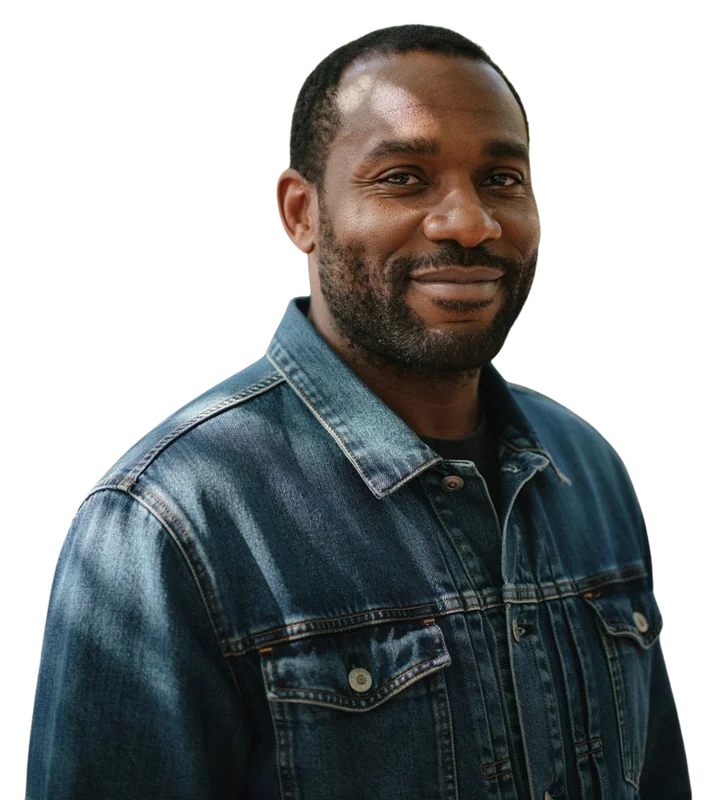
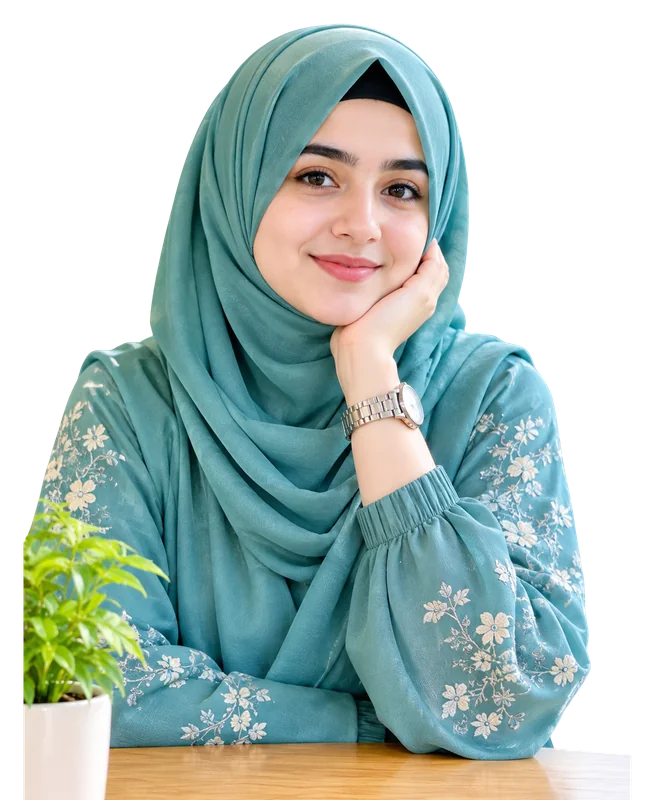
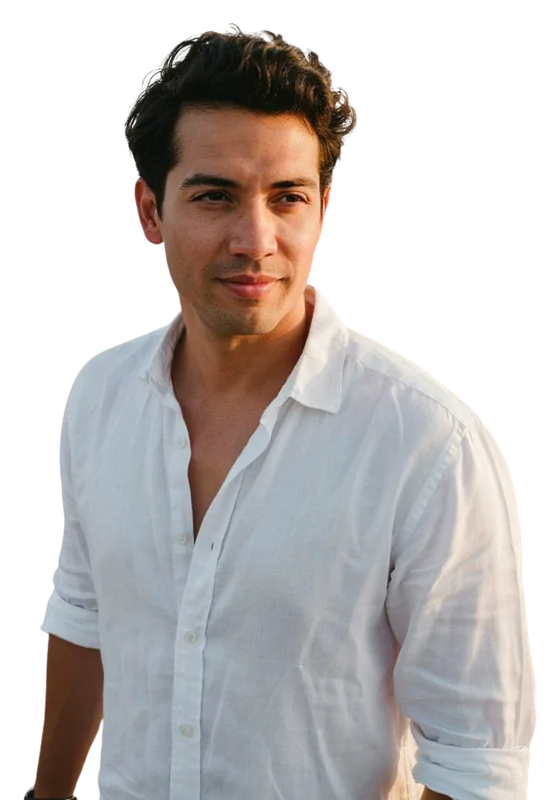
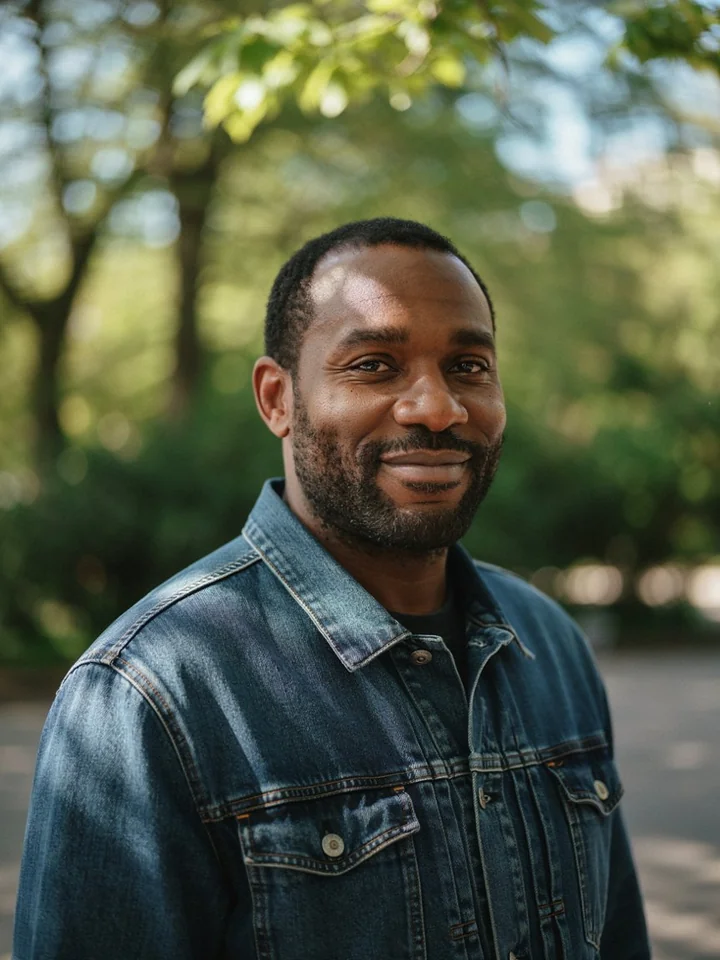
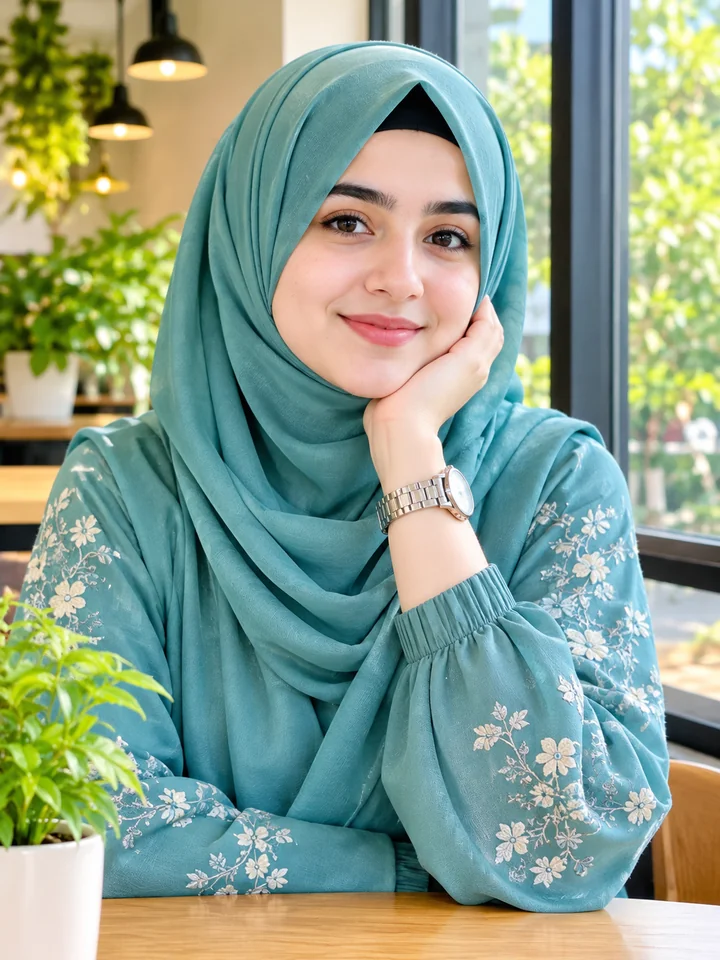
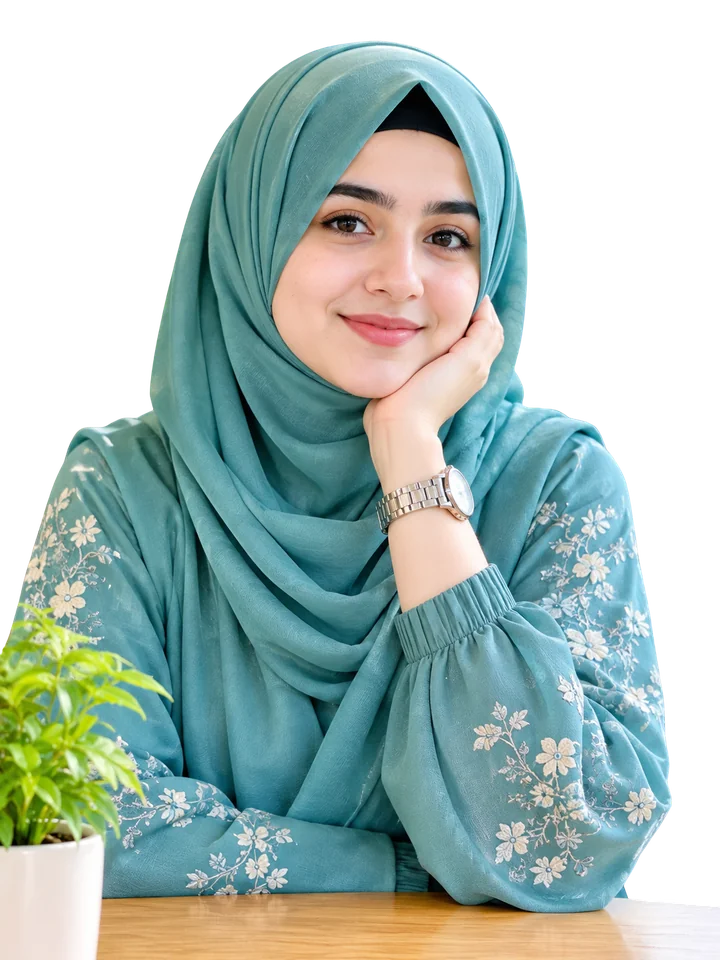
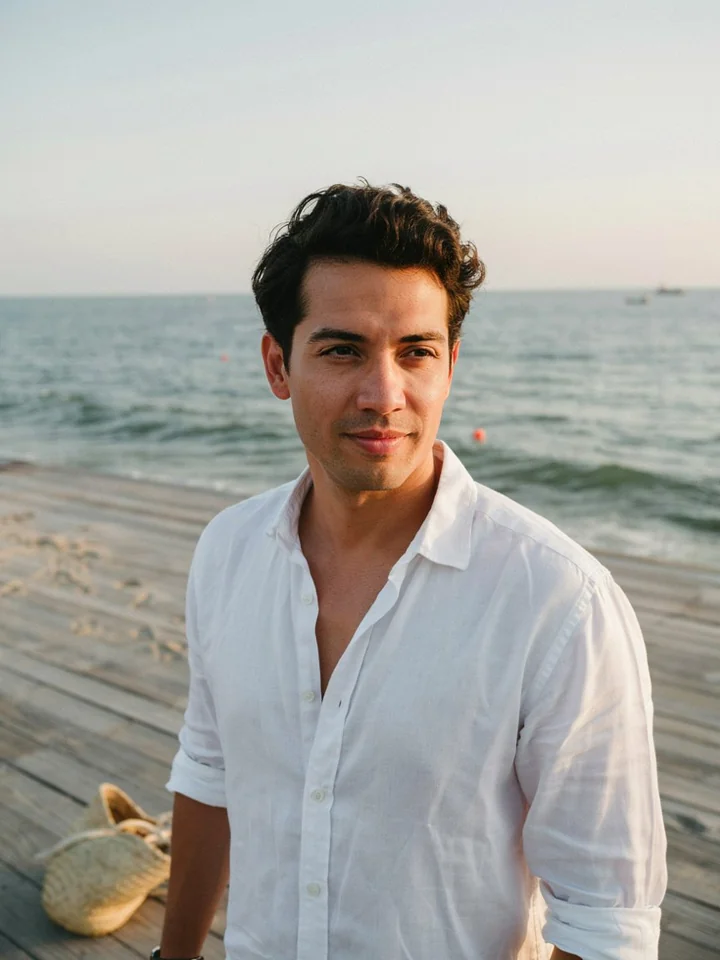
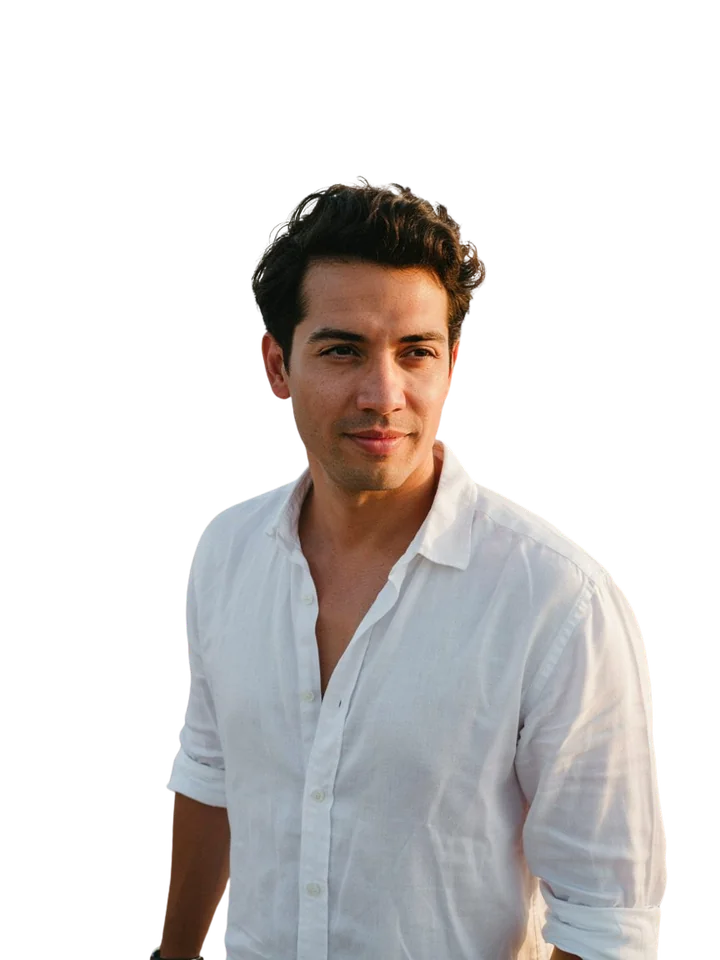
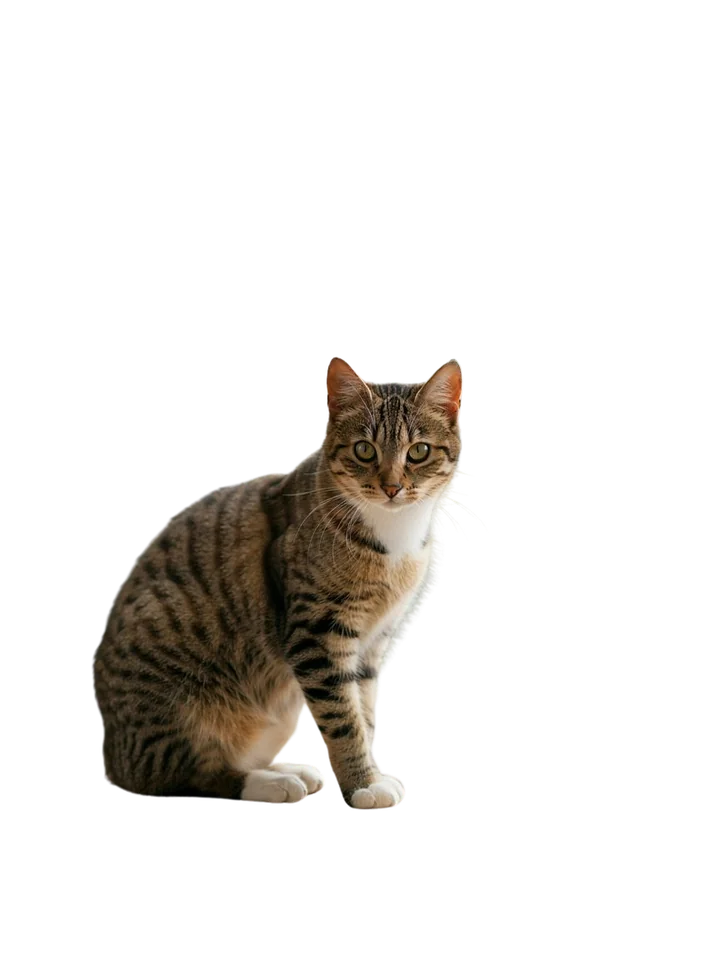
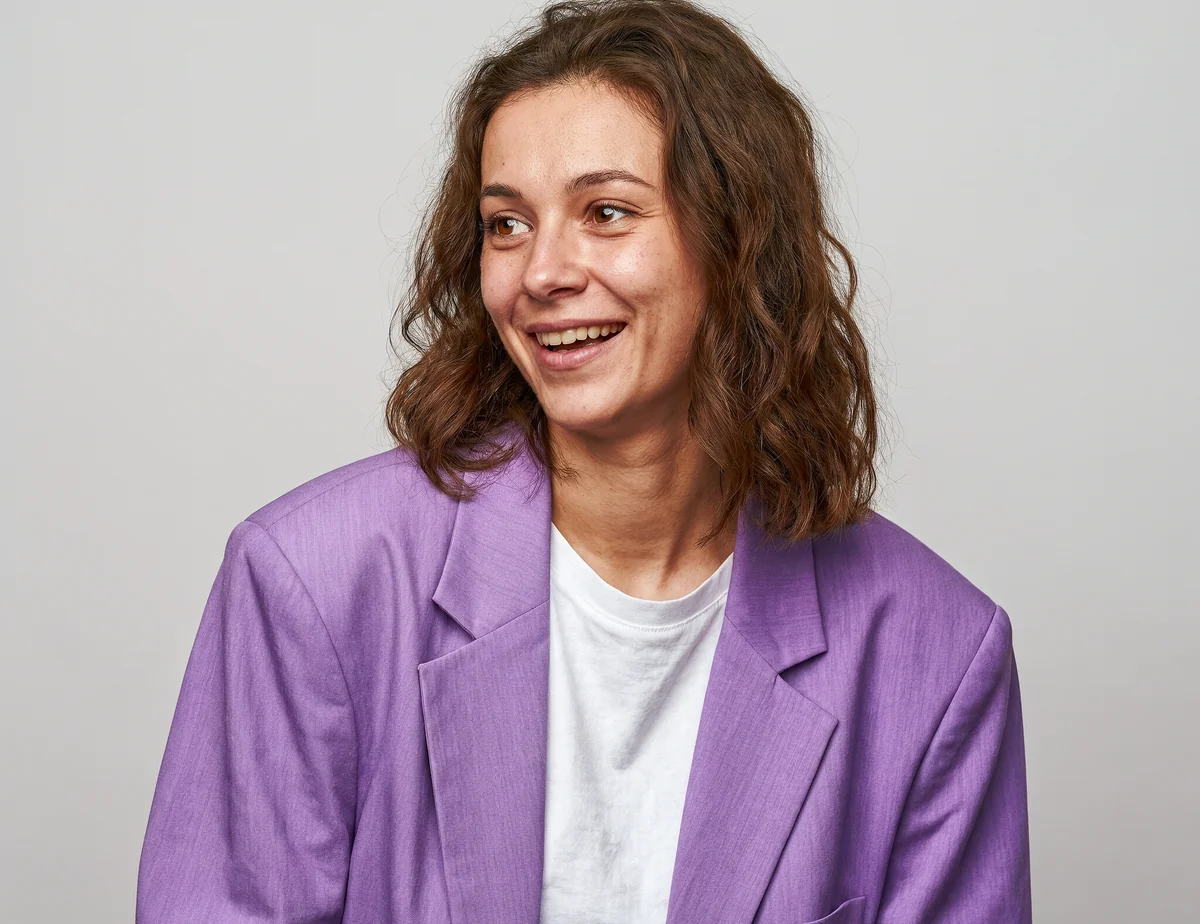
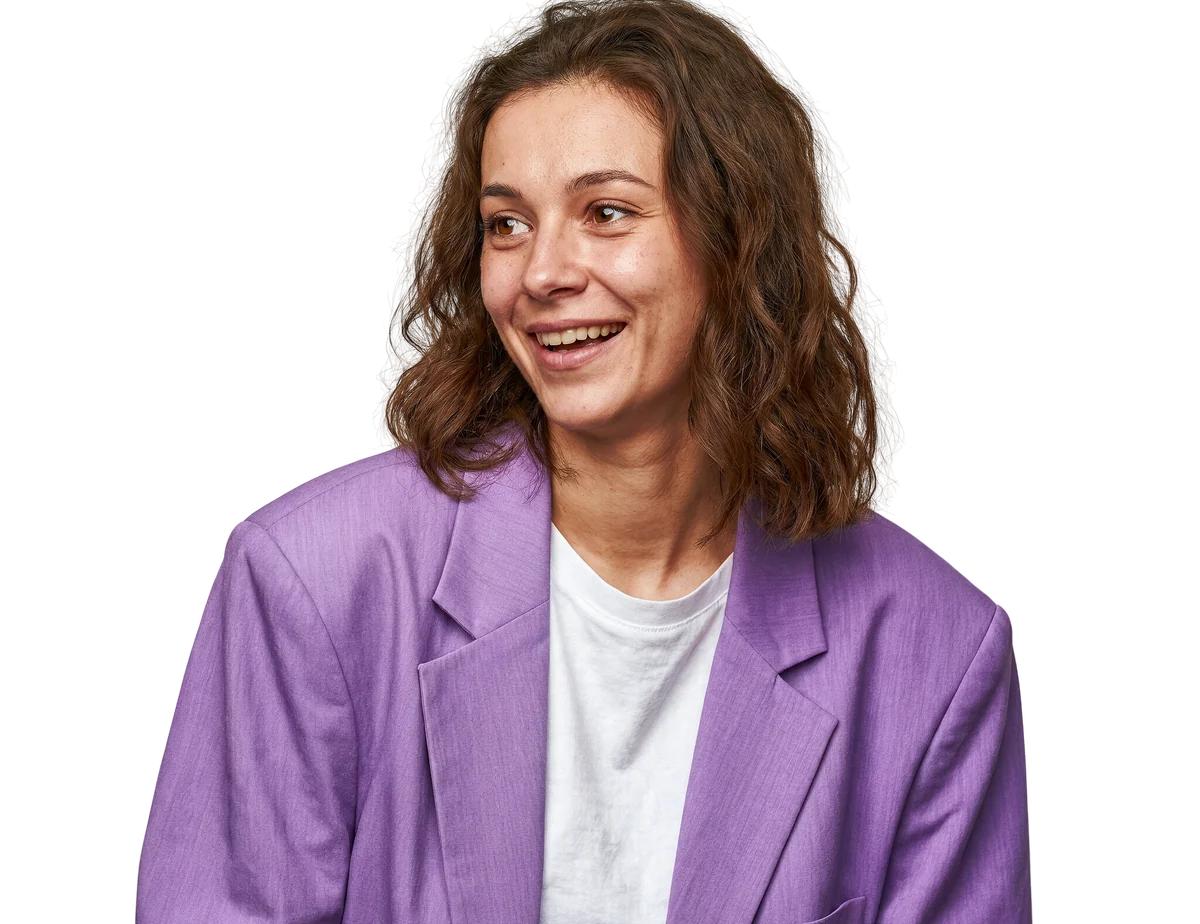
Cut yourself out in one click and get a clean transparent PNG with our background remover. Great for profile photos and CVs.
76 free tools for images, PDFs and more, including an AI image generator, background remover and photo upscaler. Most tools need no sign-up.
Powered by AI
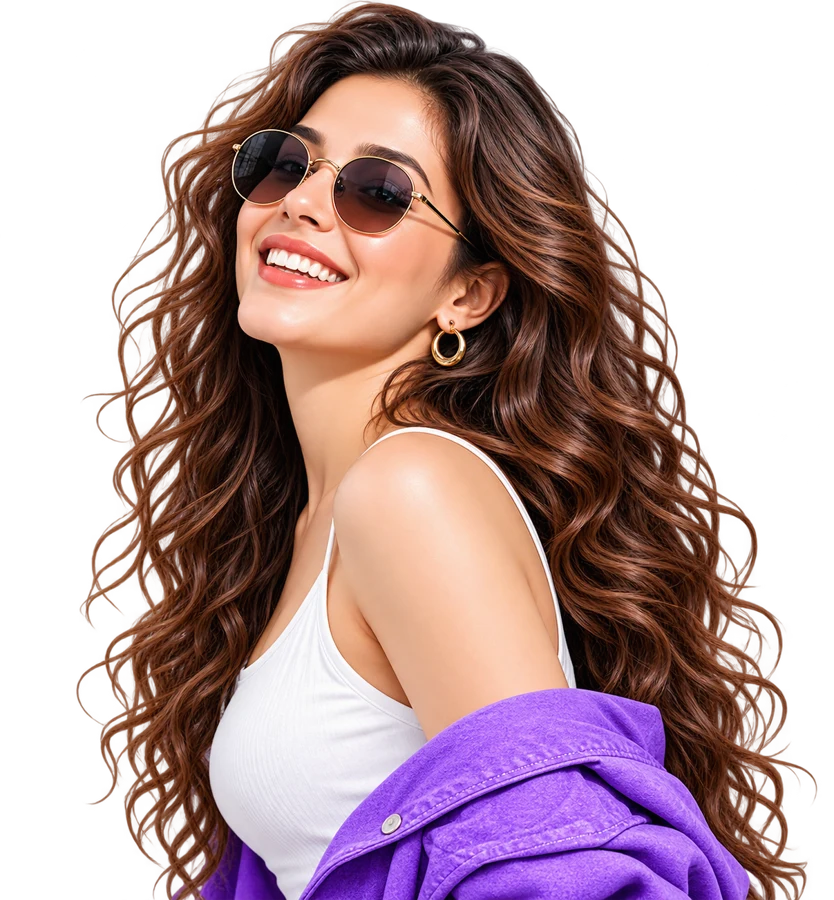
Create pictures from text, remove backgrounds, upscale, and turn photos into art. Every AI tool is free with no watermark. Only the image generator needs a free account.
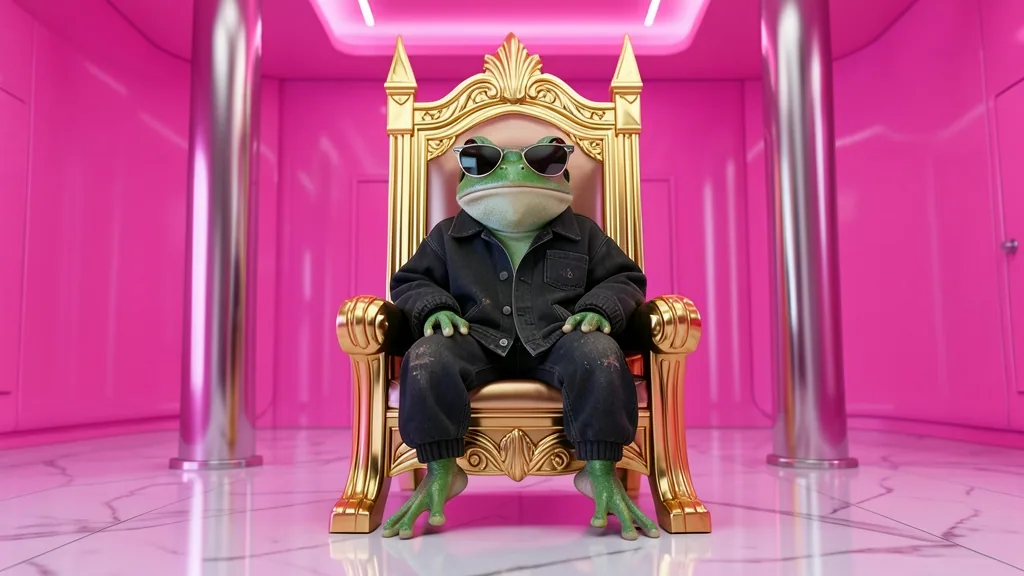 Made from a text prompt · try it
AI Image GeneratorNew
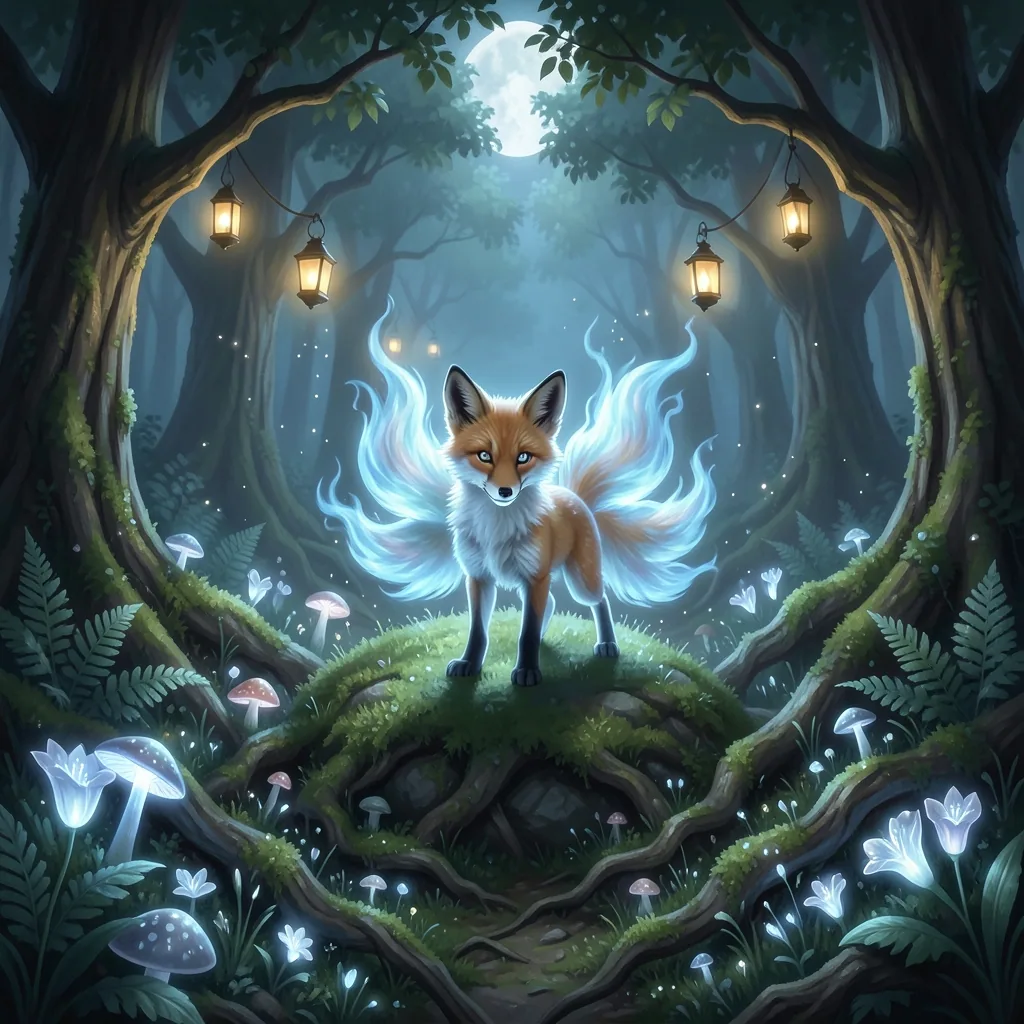
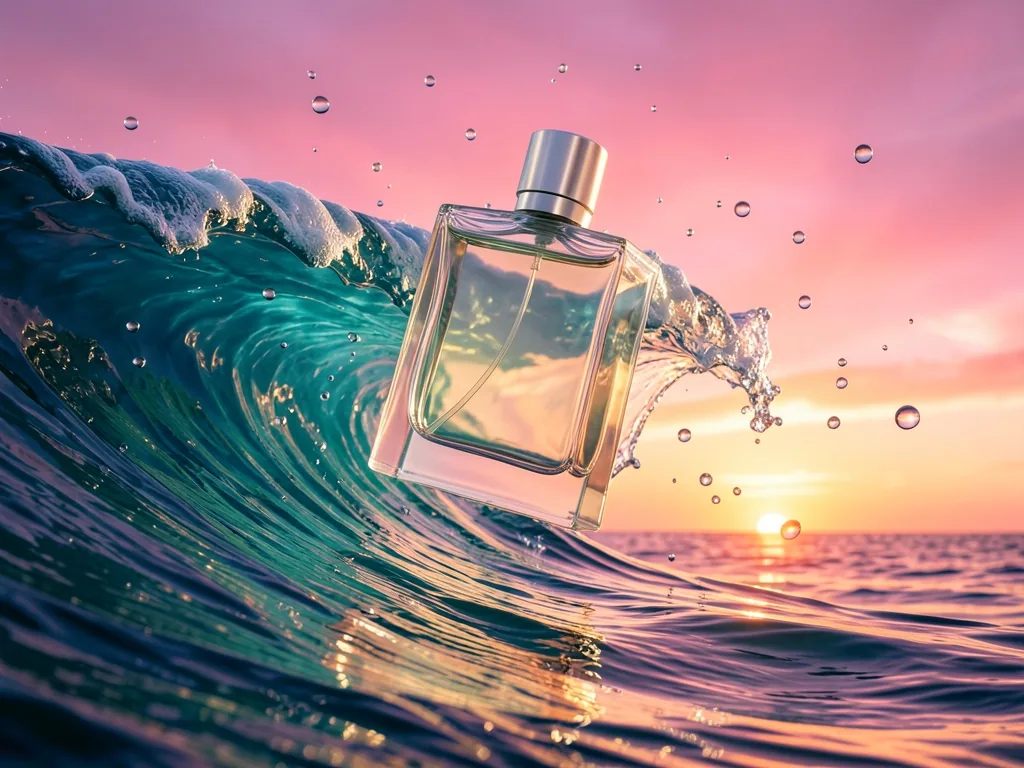
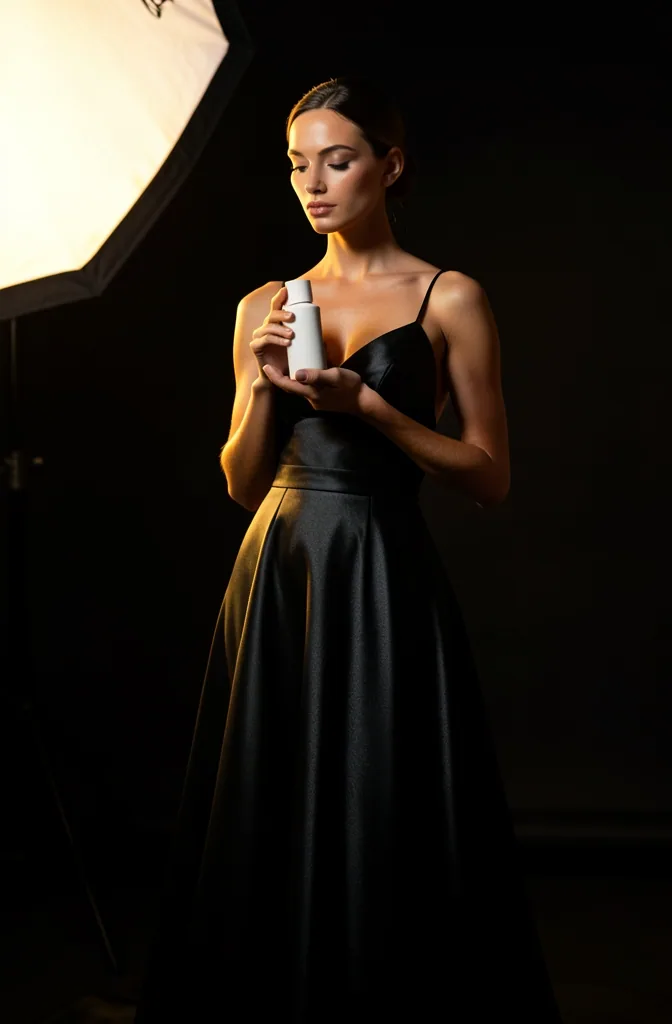
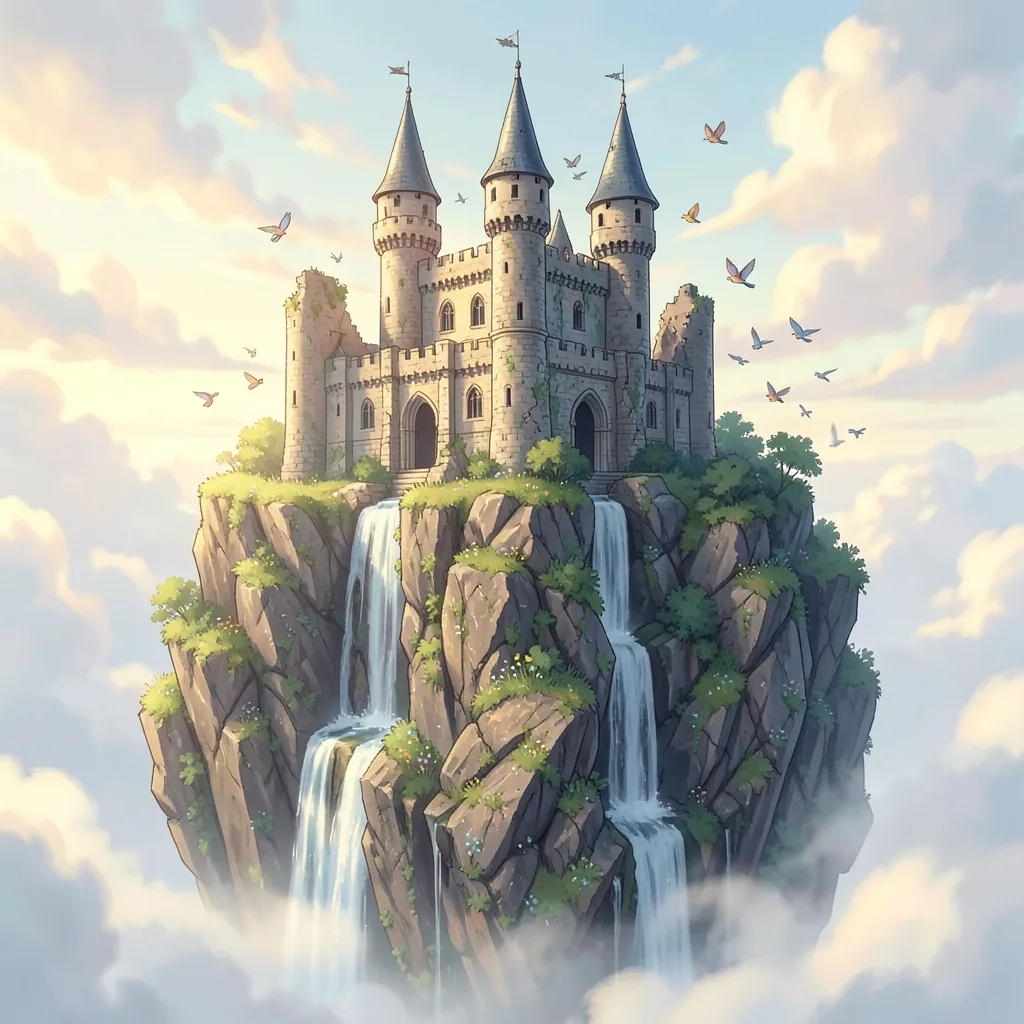
Describe any picture and get it in seconds: photos, anime, product ads, fantasy art. AI writes the detailed prompt for you.
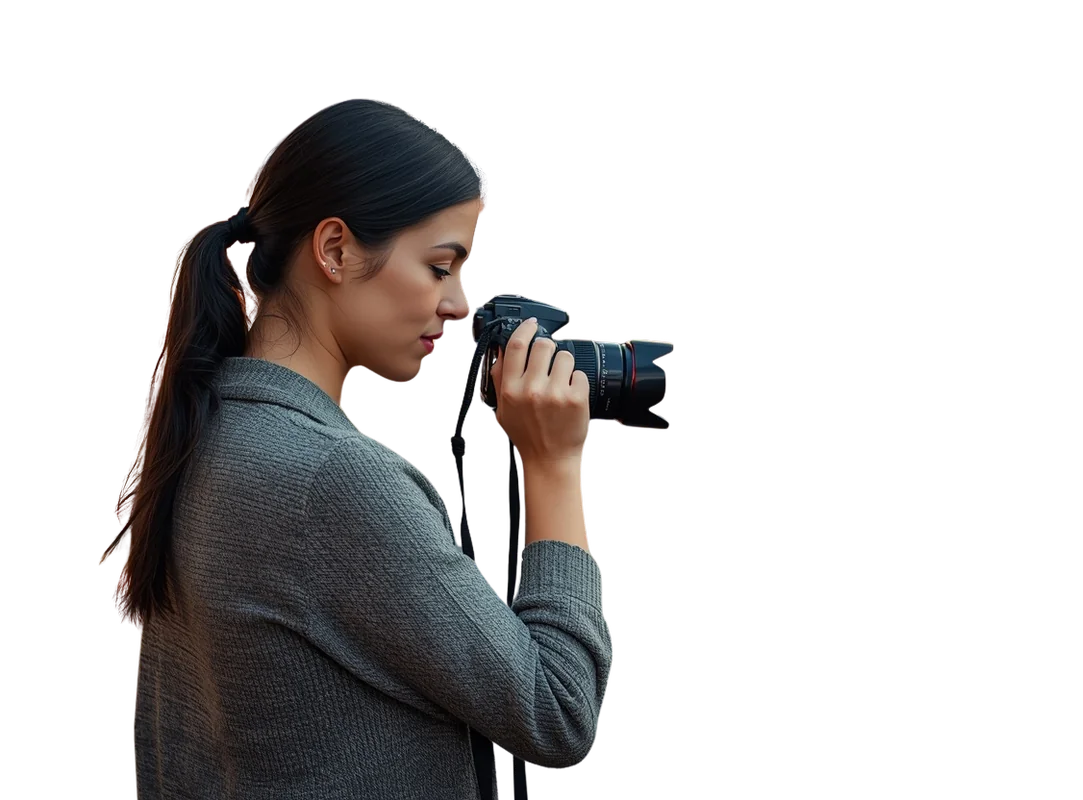
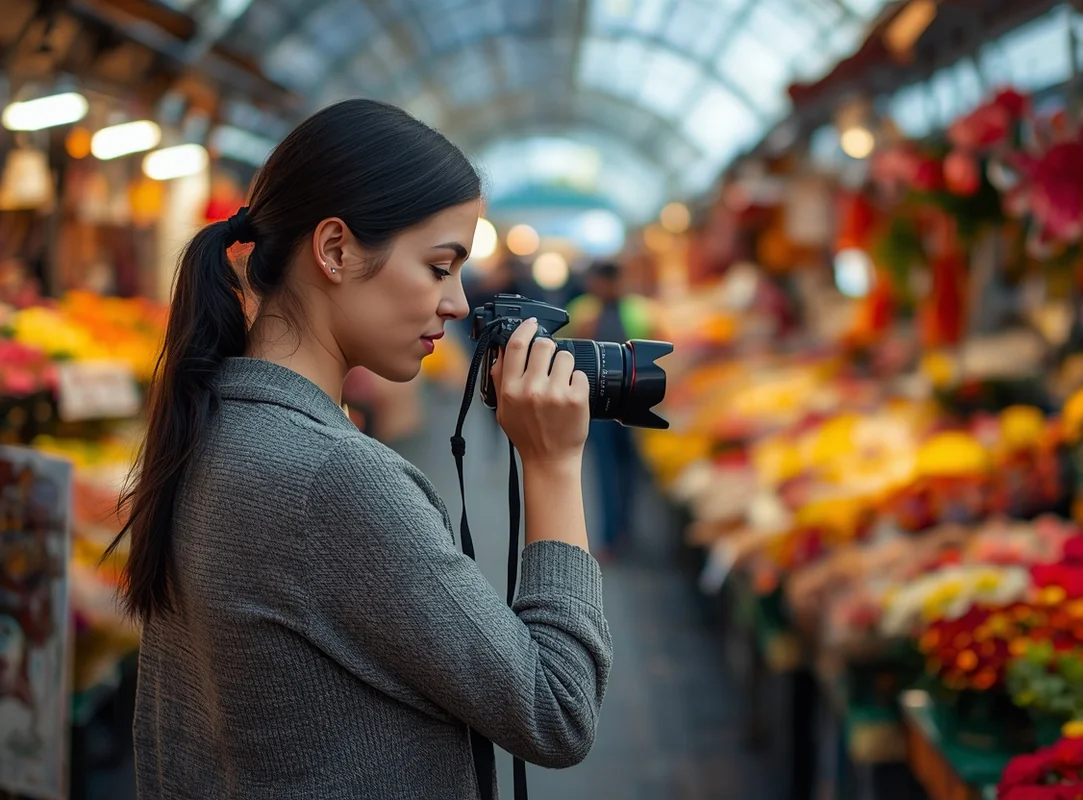 AfterBefore
AI Background Remover
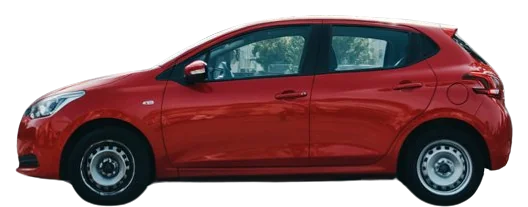
Cut out people, pets and products in one click.
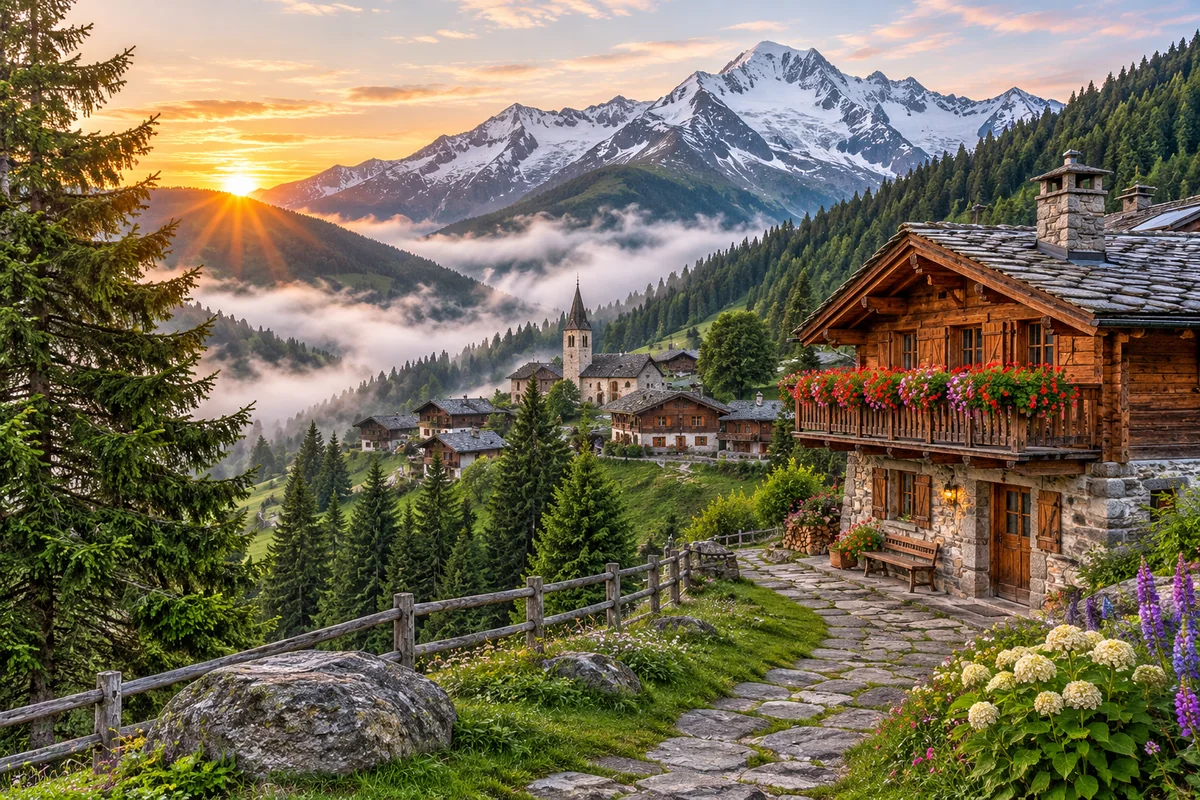
 AfterBefore
AI Image Upscaler
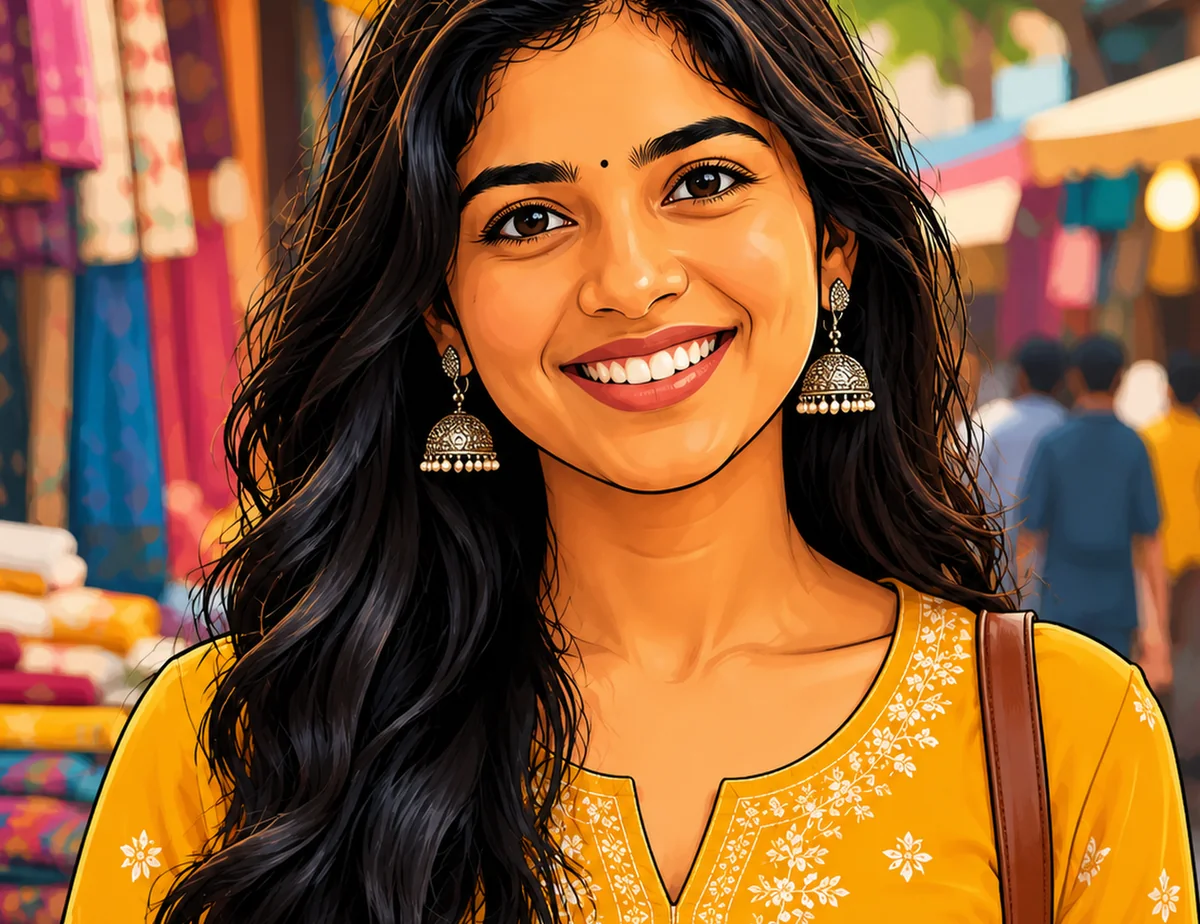
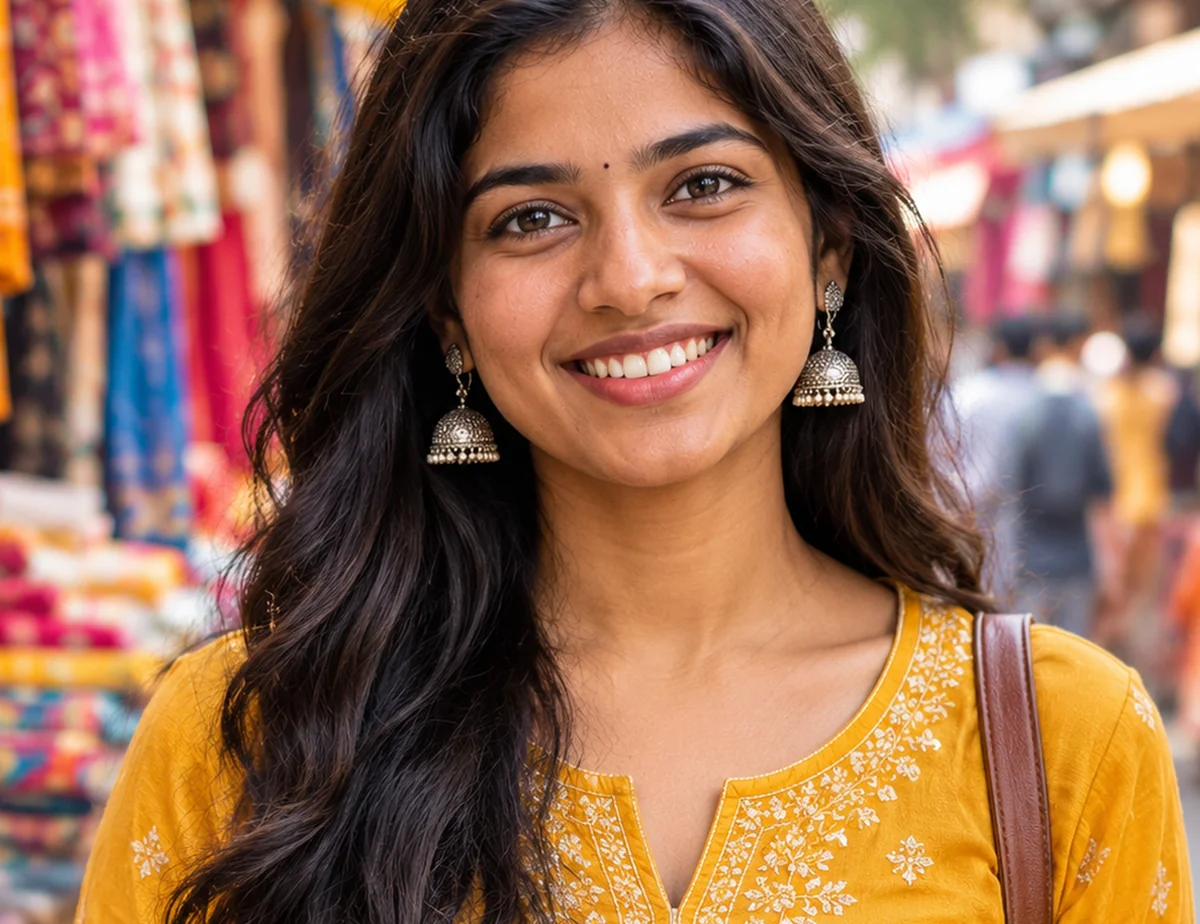
Make small or blurry photos sharp, up to 4×.
 AfterBefore
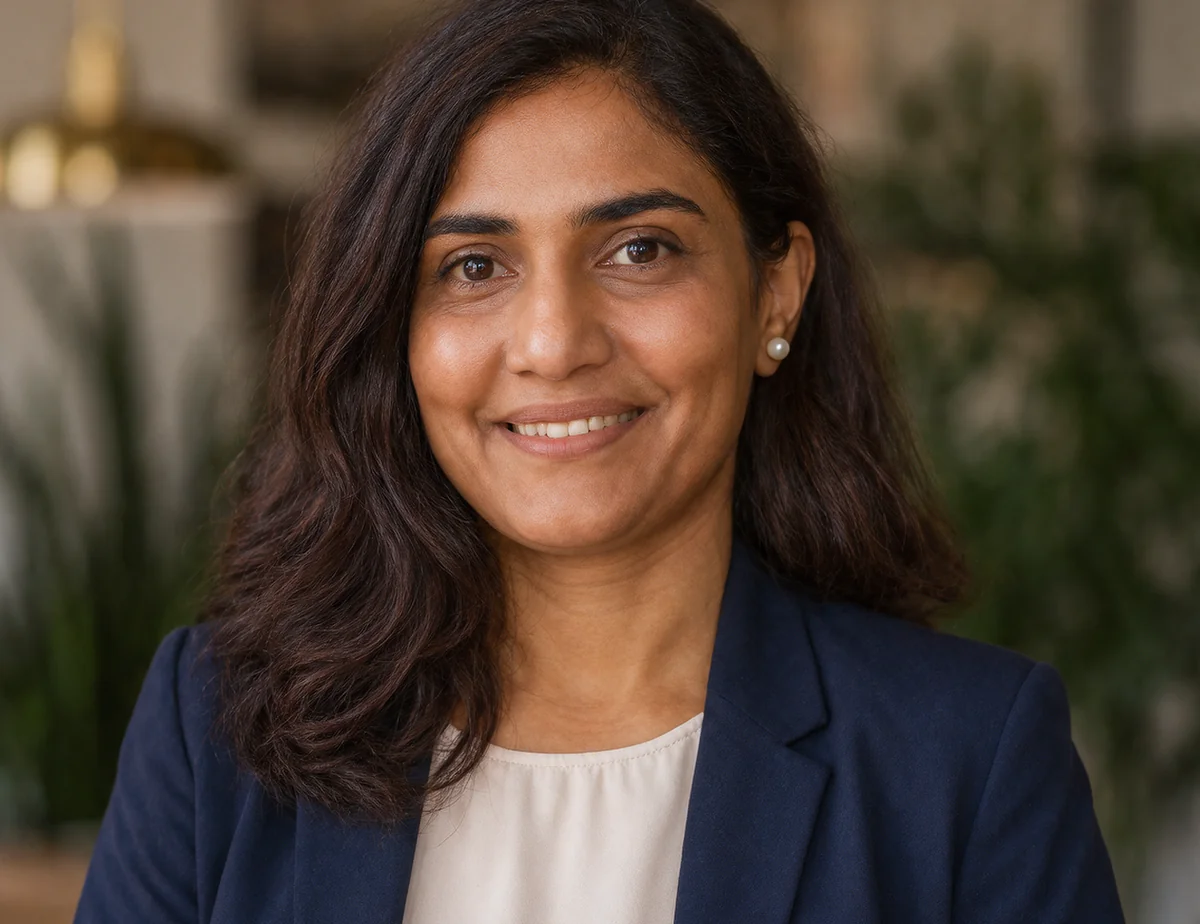
Photo to CartoonNew
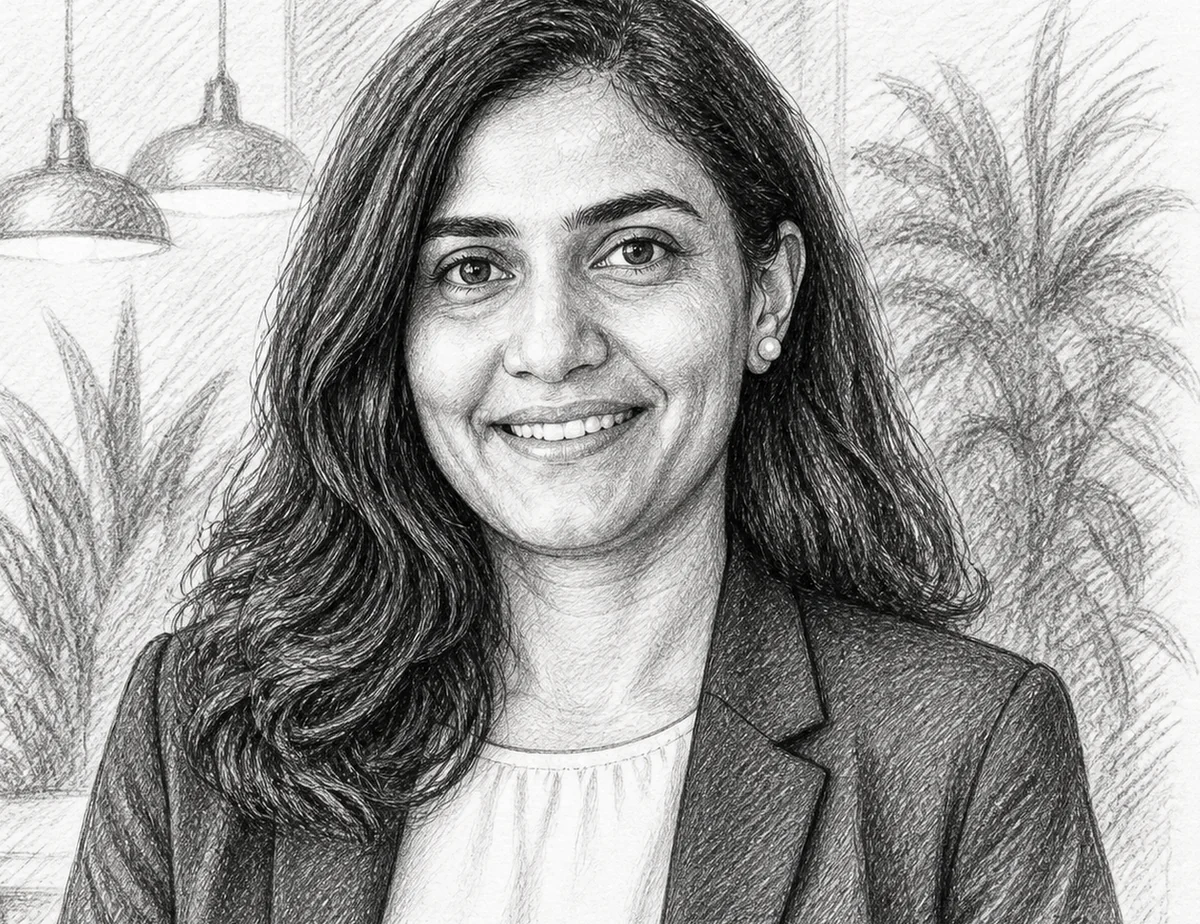
Turn a selfie into a cartoon character.
 AfterBefore
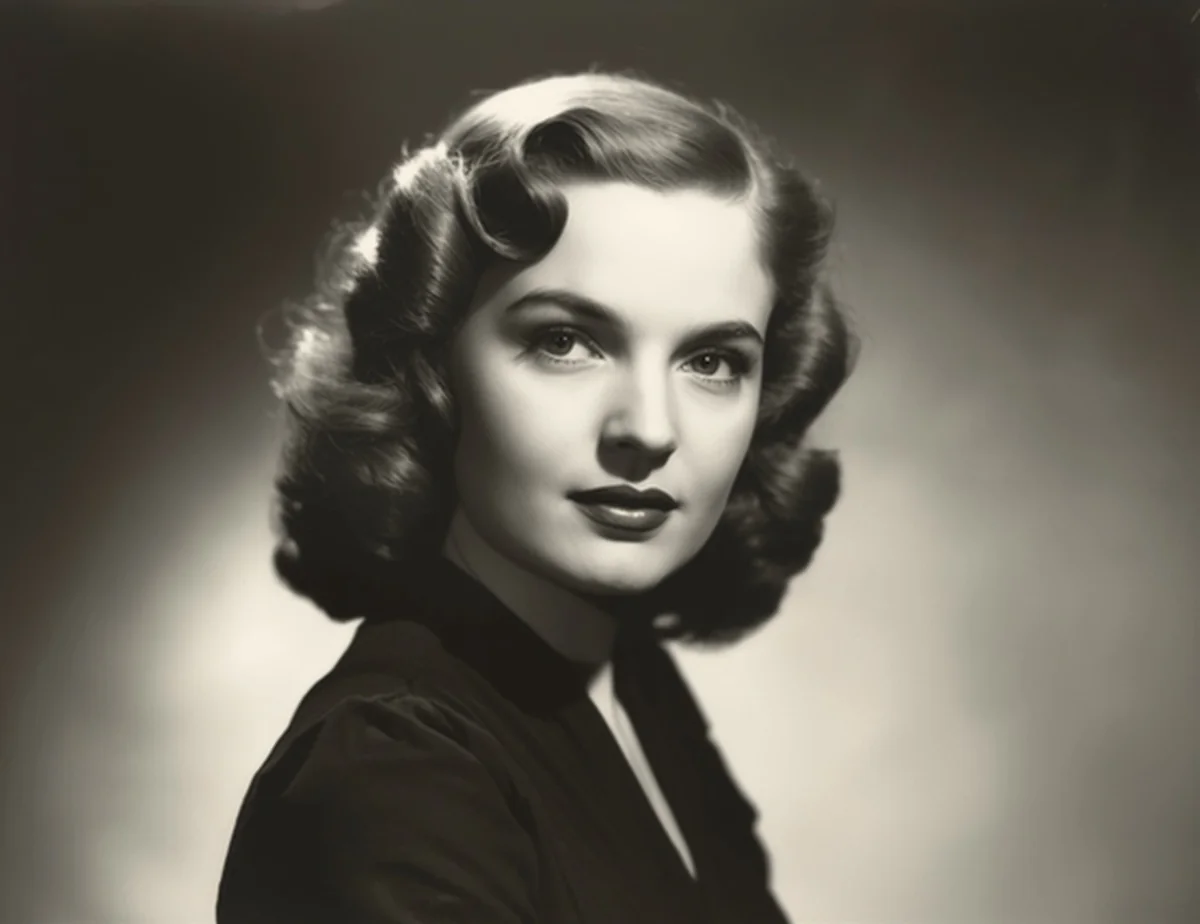
Photo to SketchNew
A hand-drawn pencil sketch from any photo.
 AfterBefore
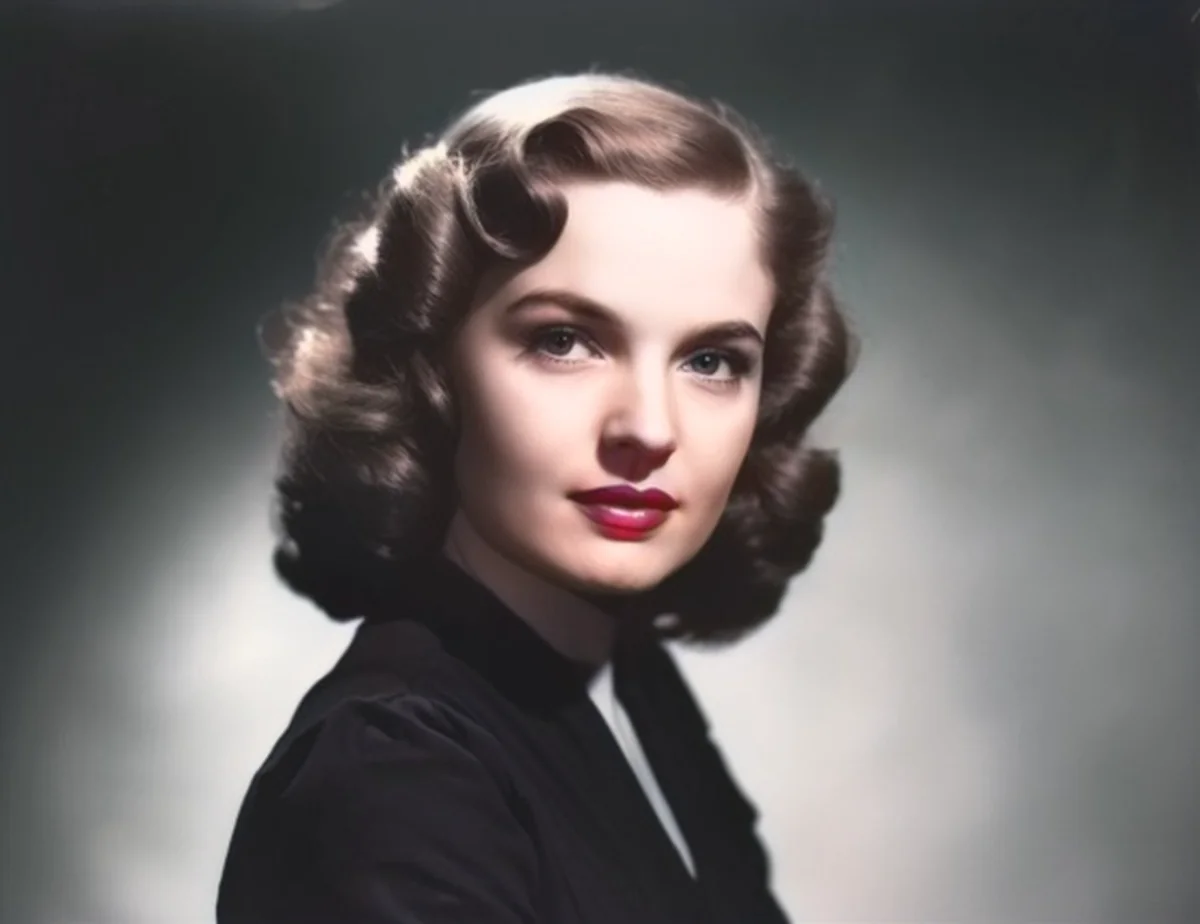
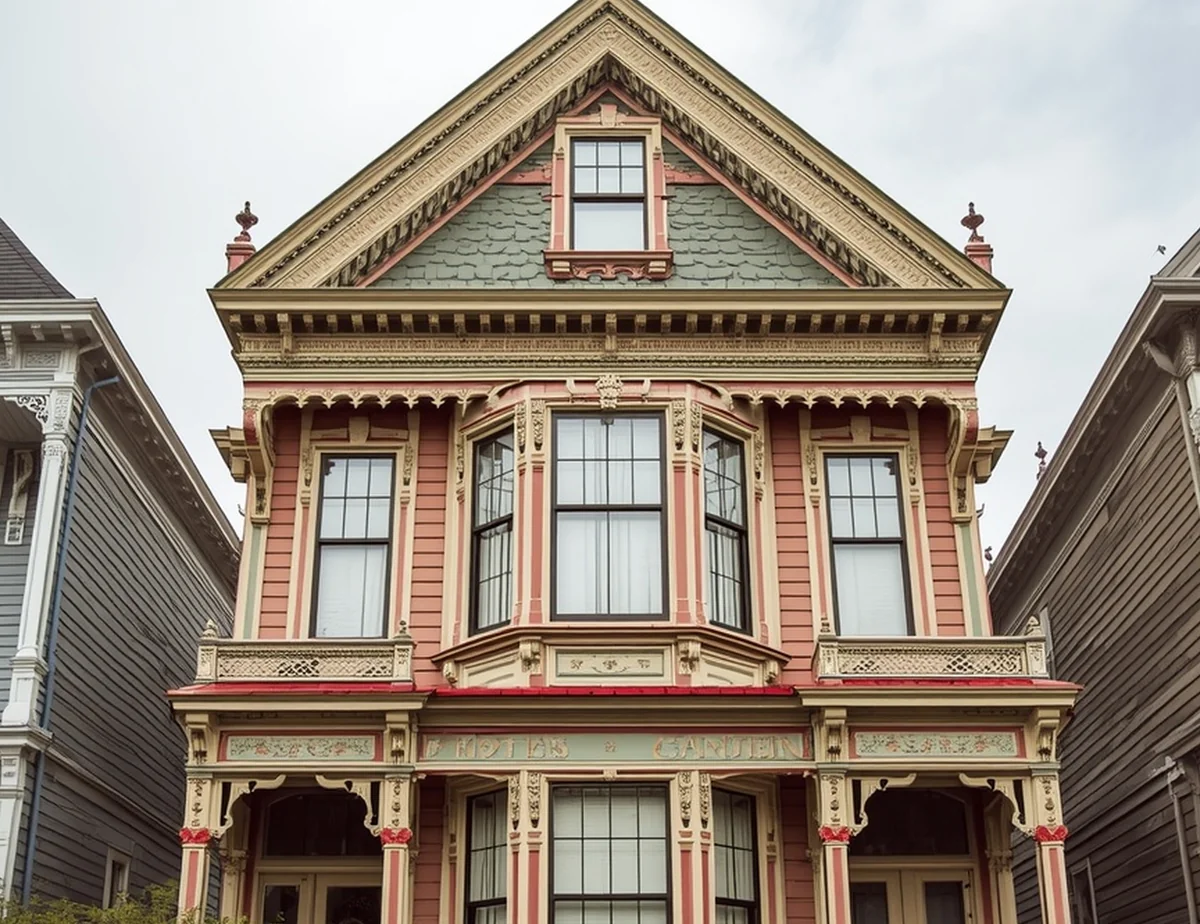
AI Photo ColorizerNew
Bring old black-and-white photos back to colour.
 AfterBefore
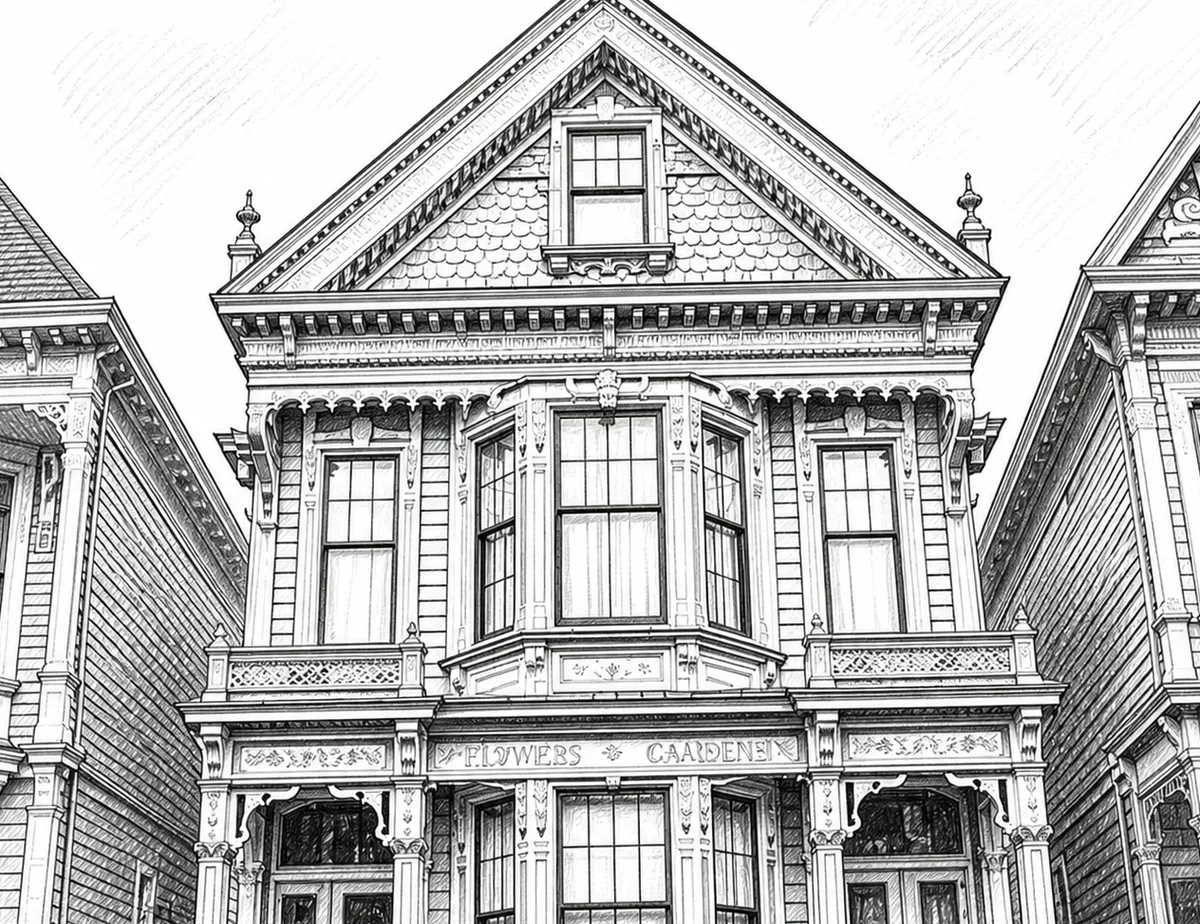
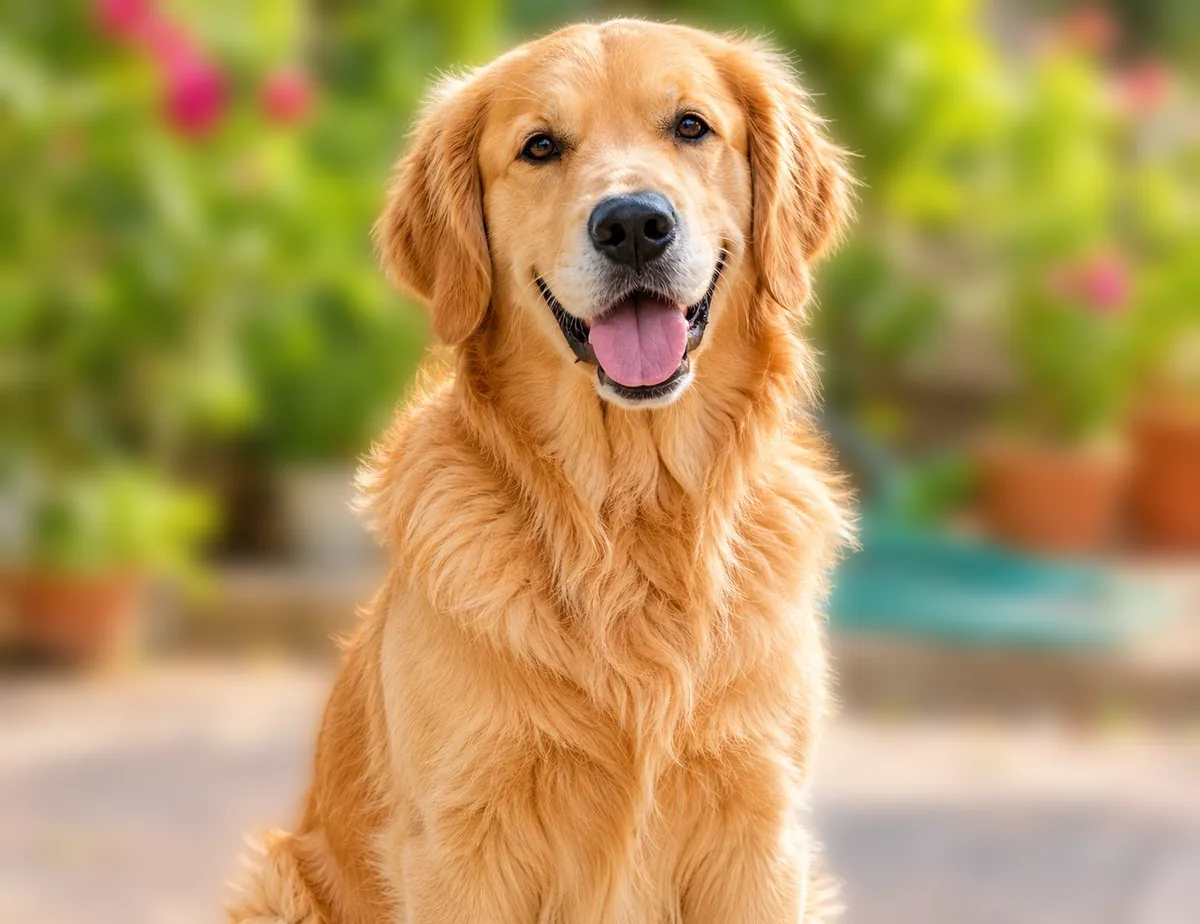
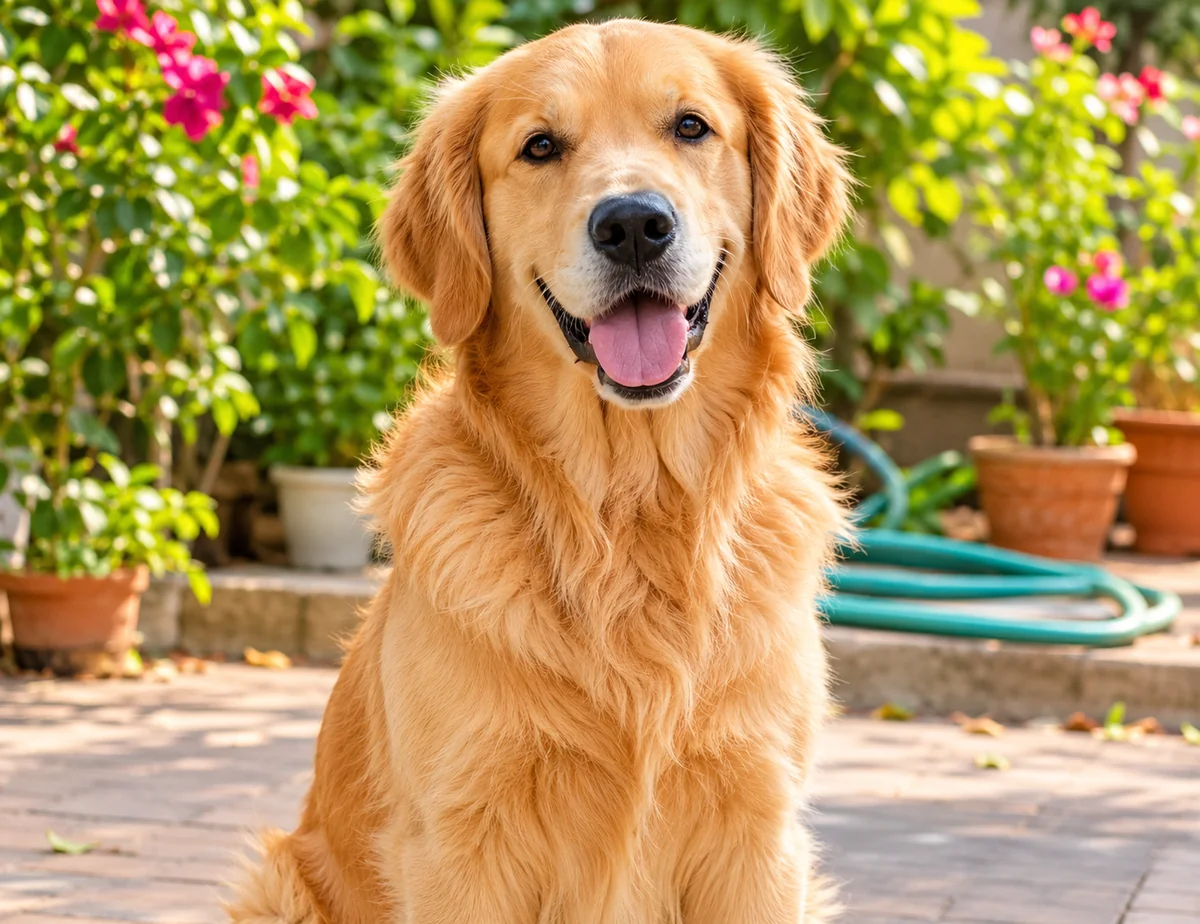
Photo to Line ArtNew
Clean outlines, ready for colouring pages.
 AfterBefore
Blur BackgroundNew
A soft portrait-mode blur, subject kept sharp.
 Best seller
Skincare
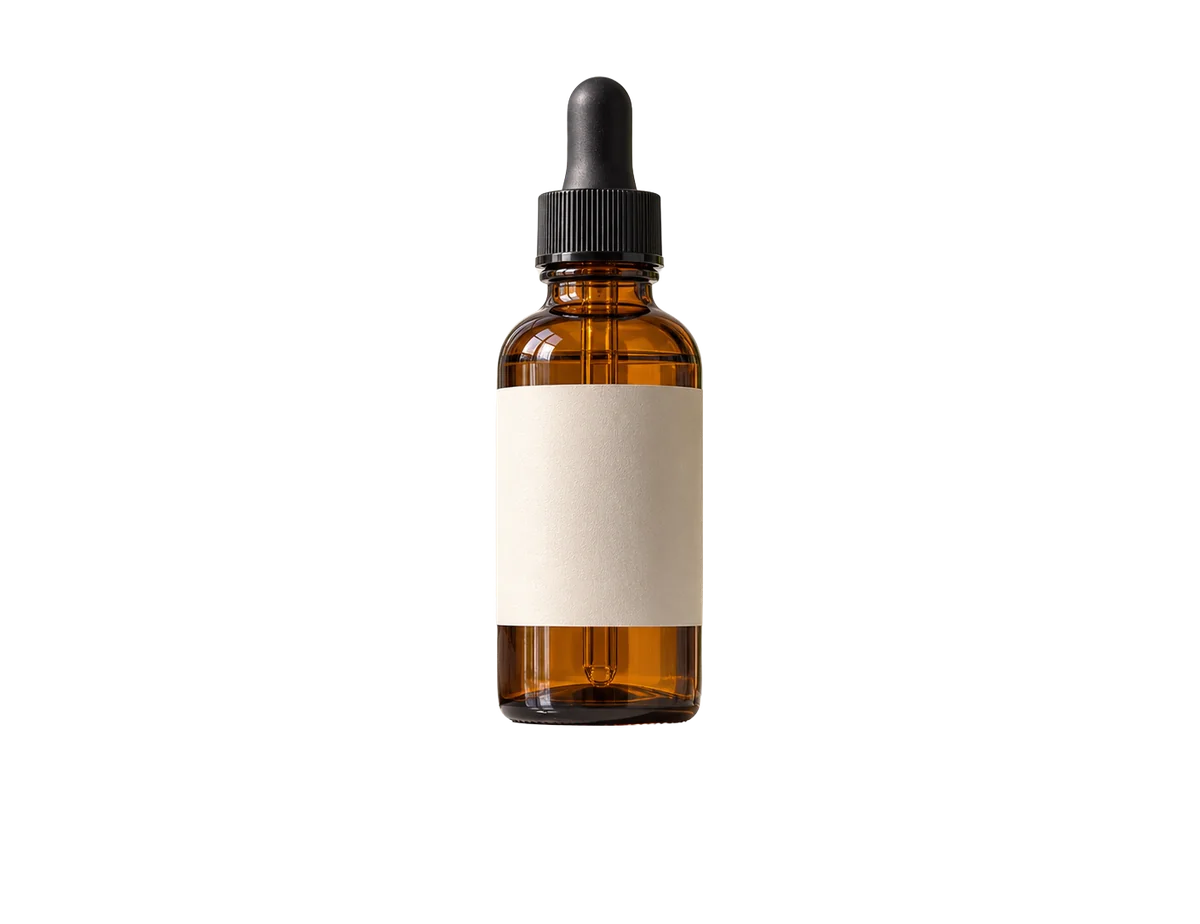
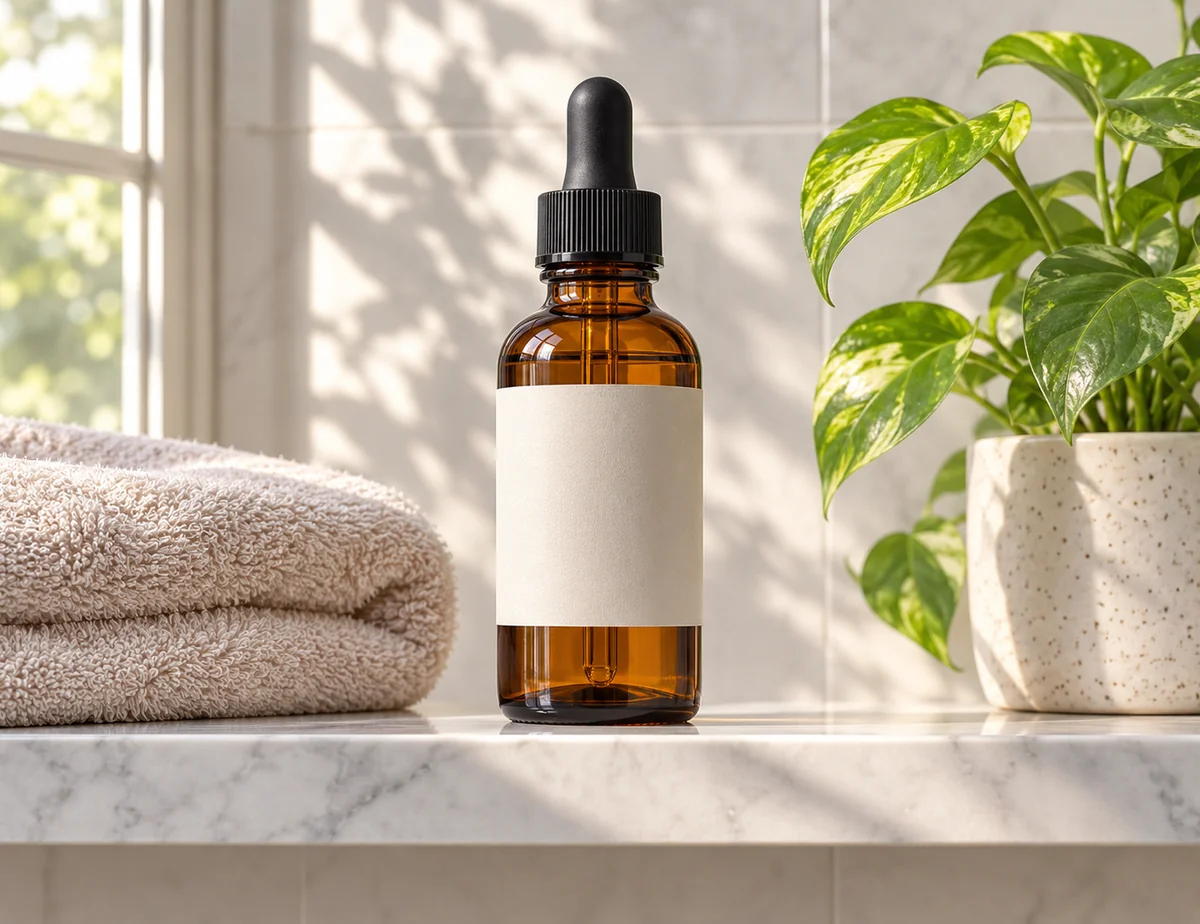
Amber Glass Serum
4.8(1,248)
$24.00$32.00-25%
✓ In stock · Free delivery
Product Photos on White
Clean white-background shots for your shop.
More AI tools:Colored pencil drawingEnlarge photo for print
Image Tools
Cut out, enhance, resize
Try Remove BG
PDF Tools
Merge, compress, convert
Try Merge PDF
Video Tools
Compress, trim, convert
Try Compress video
Audio Tools
Convert, trim, extract
Try Audio converter
Everyday Tools
Calculators, text, QR
Try EMI calculator
AI-generated art, cut-outs, sketches and product shots, all made with our free tools. Hover to pause.
AI image generator
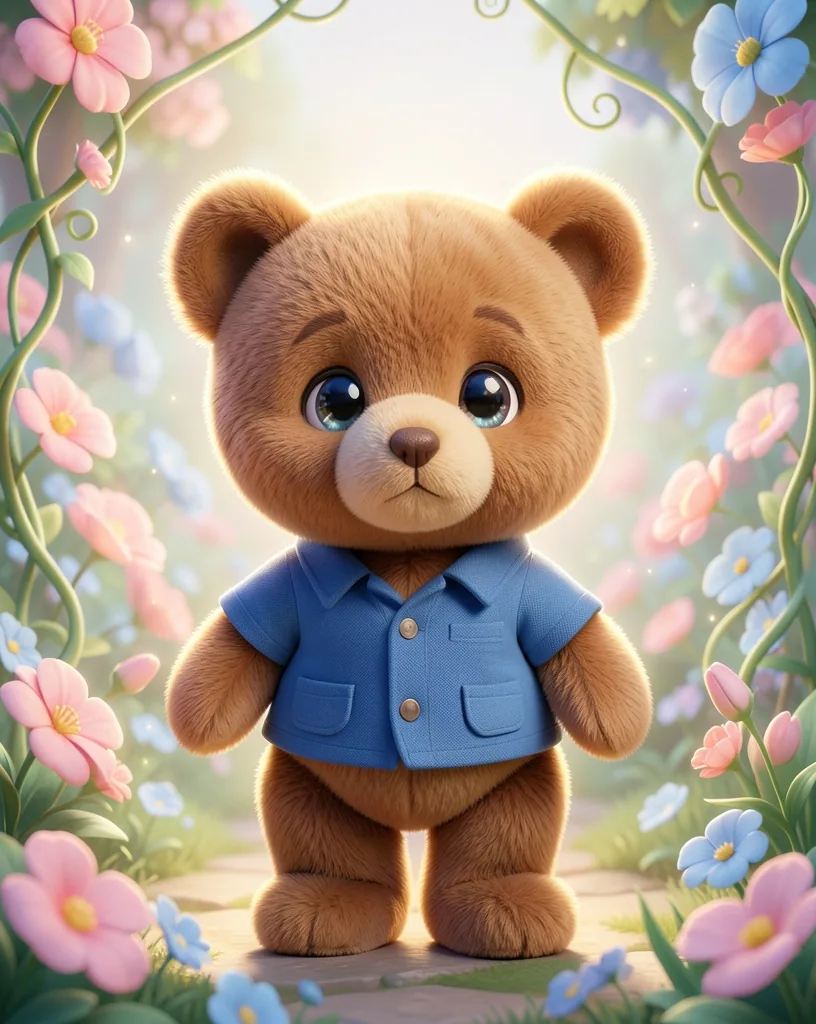
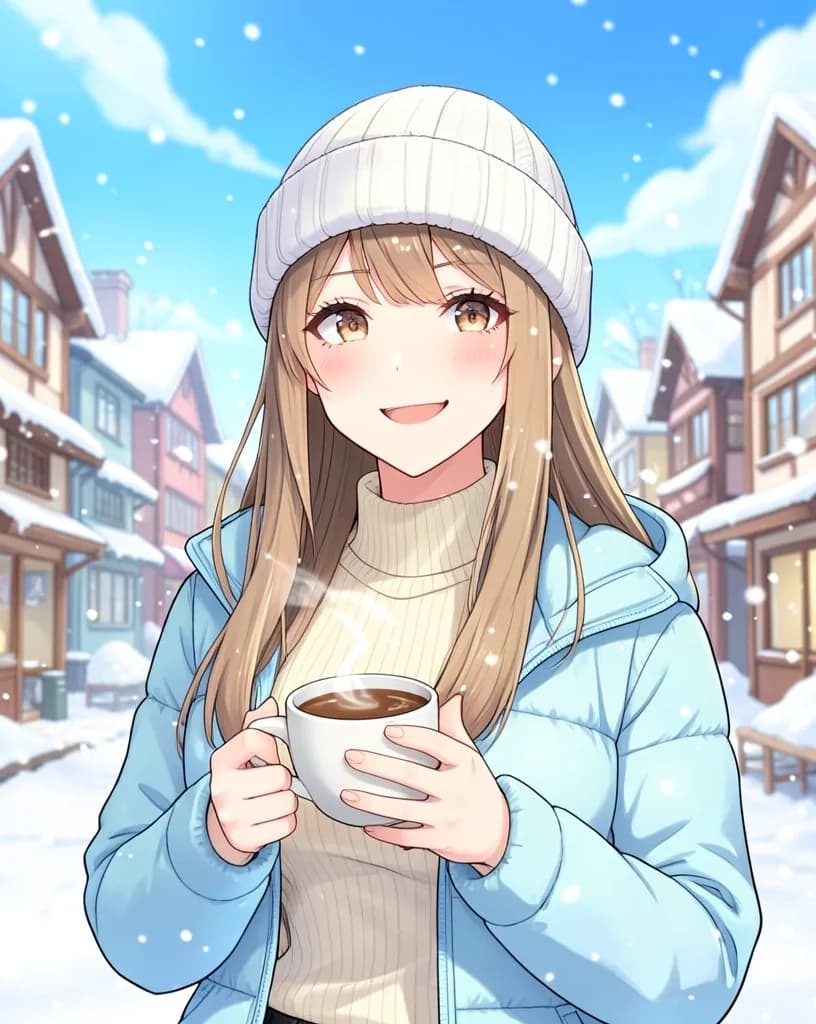
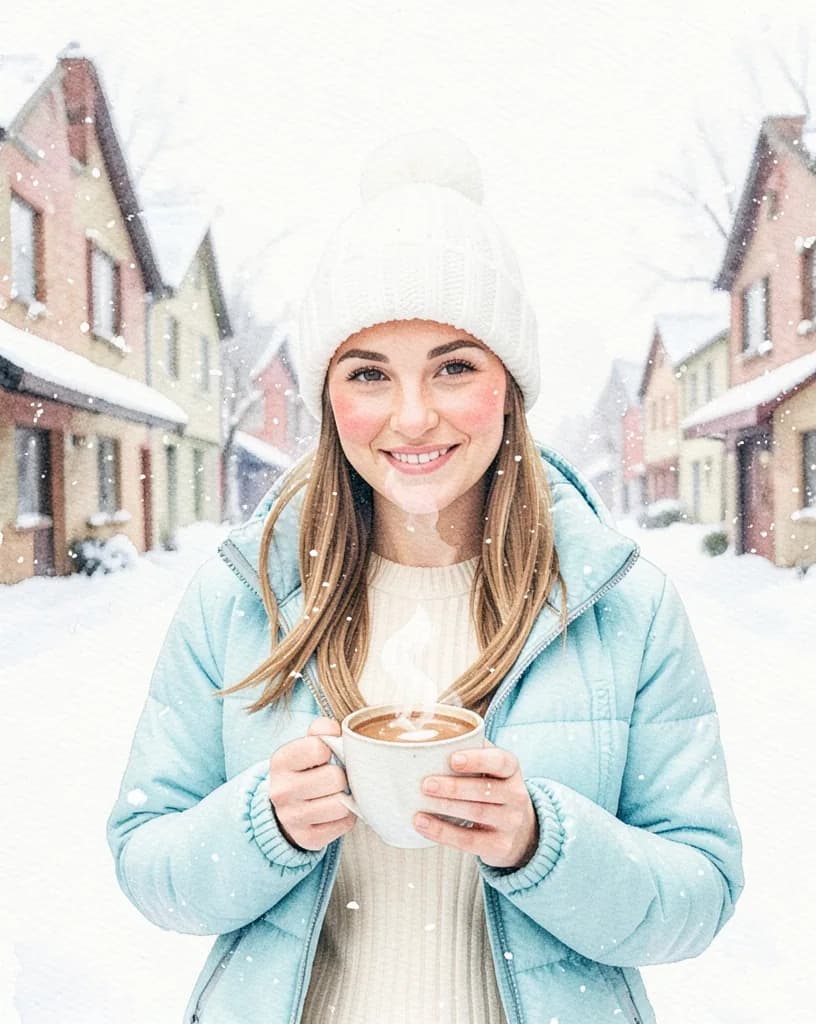
Type what you want to see in plain words. Our AI turns it into a detailed prompt, then paints it in the style you pick. Same idea, same pose, a completely different look.
Pick a style
3 free images a day with a free account. No watermark.
 OriginalMade with ProCutOut
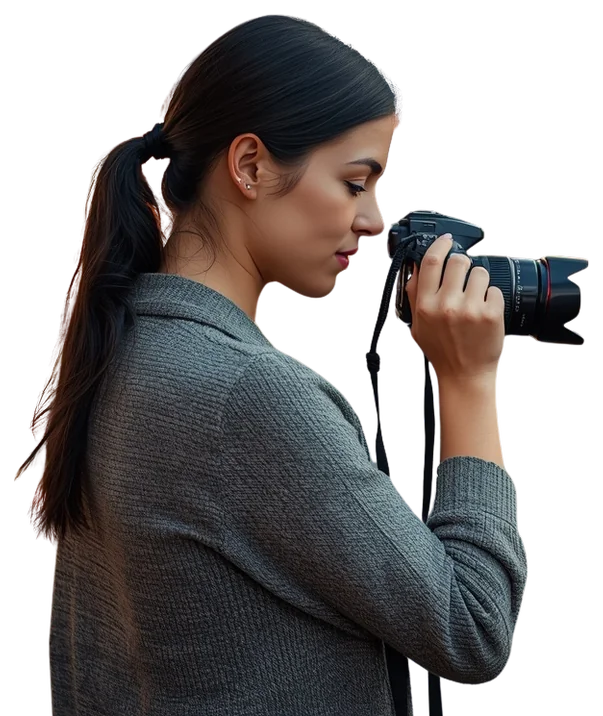
Our AI finds the subject for you, even around hair and fur, and gives you a clean cut-out in seconds.
Zoomed 400%
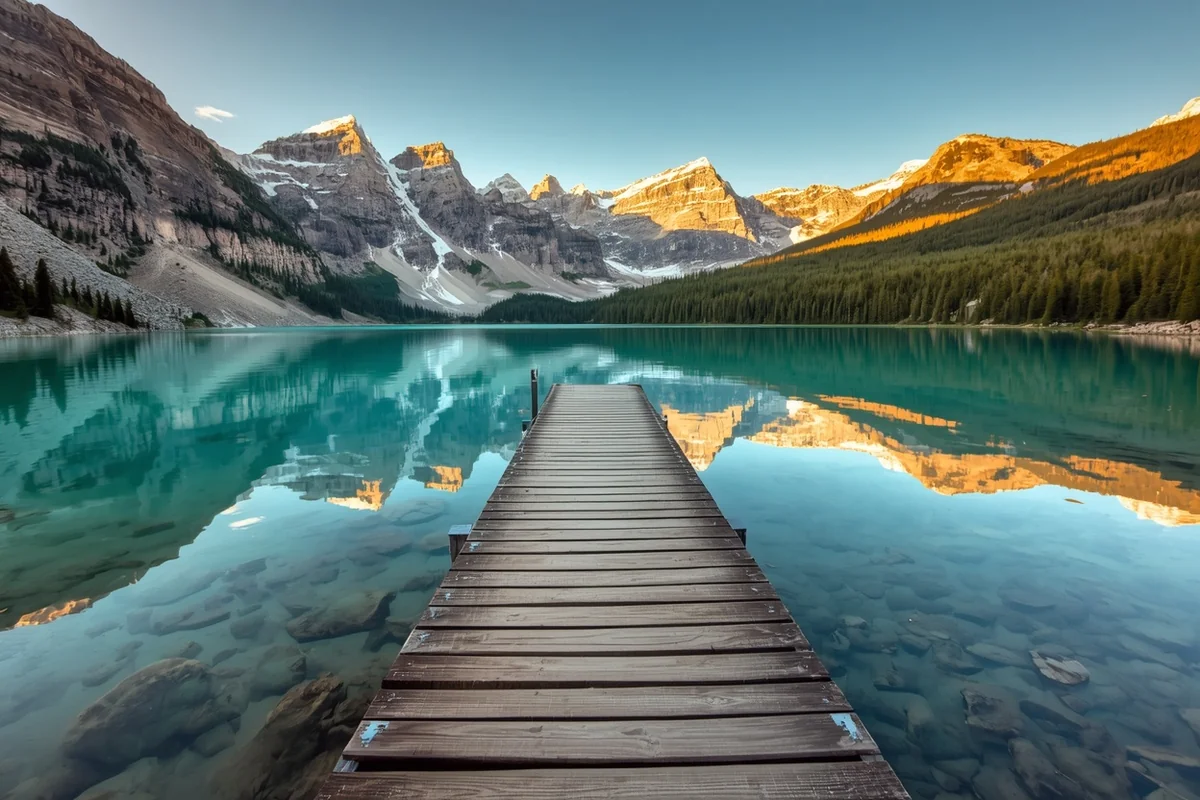
Bring small or blurry pictures back to life, then print or post them without the pixels showing.
File size
2.4 MB180 KB
Hit any file-size limit or pixel size an upload form asks for, right in your browser.
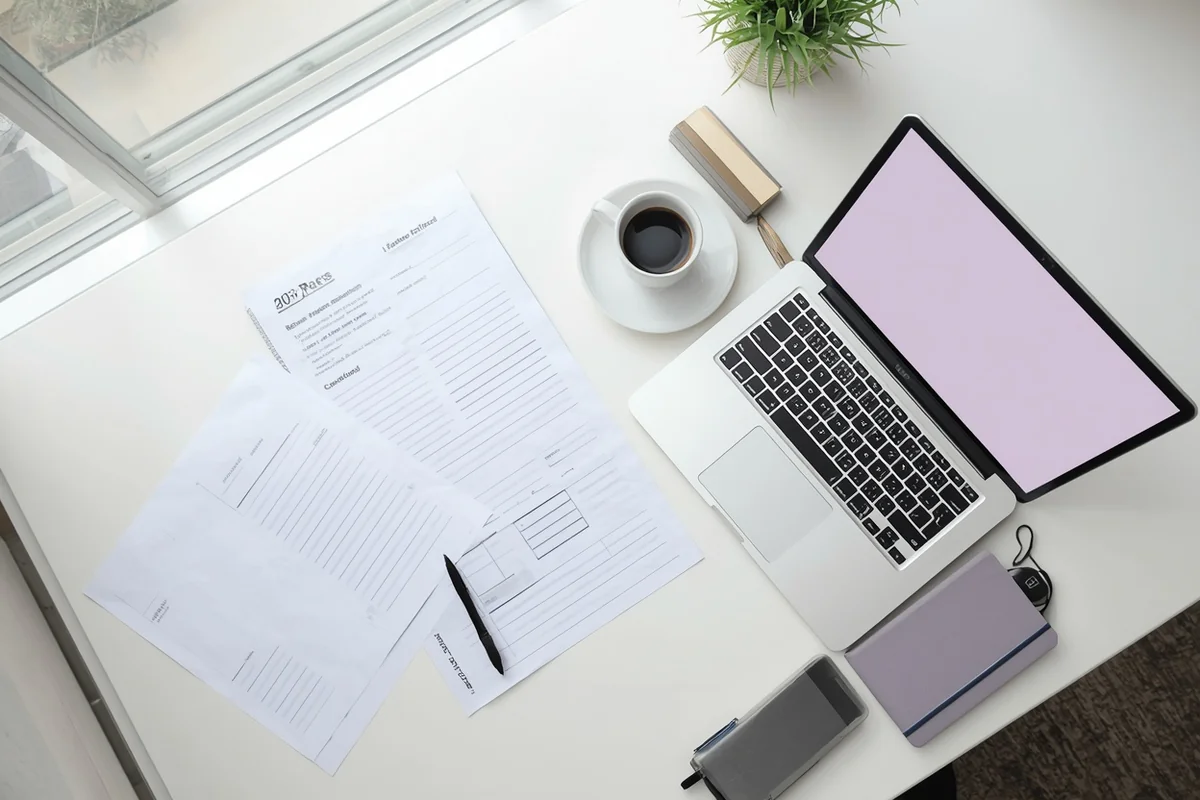
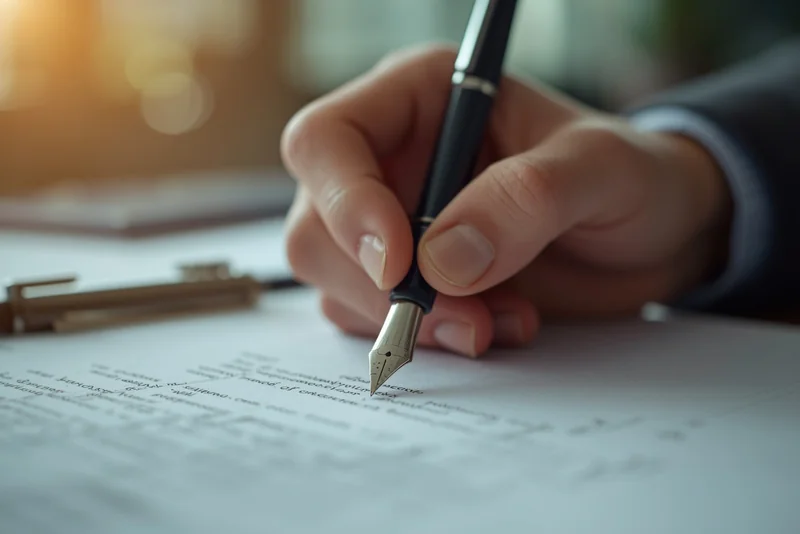
Merge, shrink, convert and sign documents without installing anything.
Before and after
Hover a card to see the result.Drag a card to compare. Every result comes from a free tool, with no sign-up.
Cut yourself out in one click and get a clean transparent PNG with our background remover. Great for profile photos and CVs.
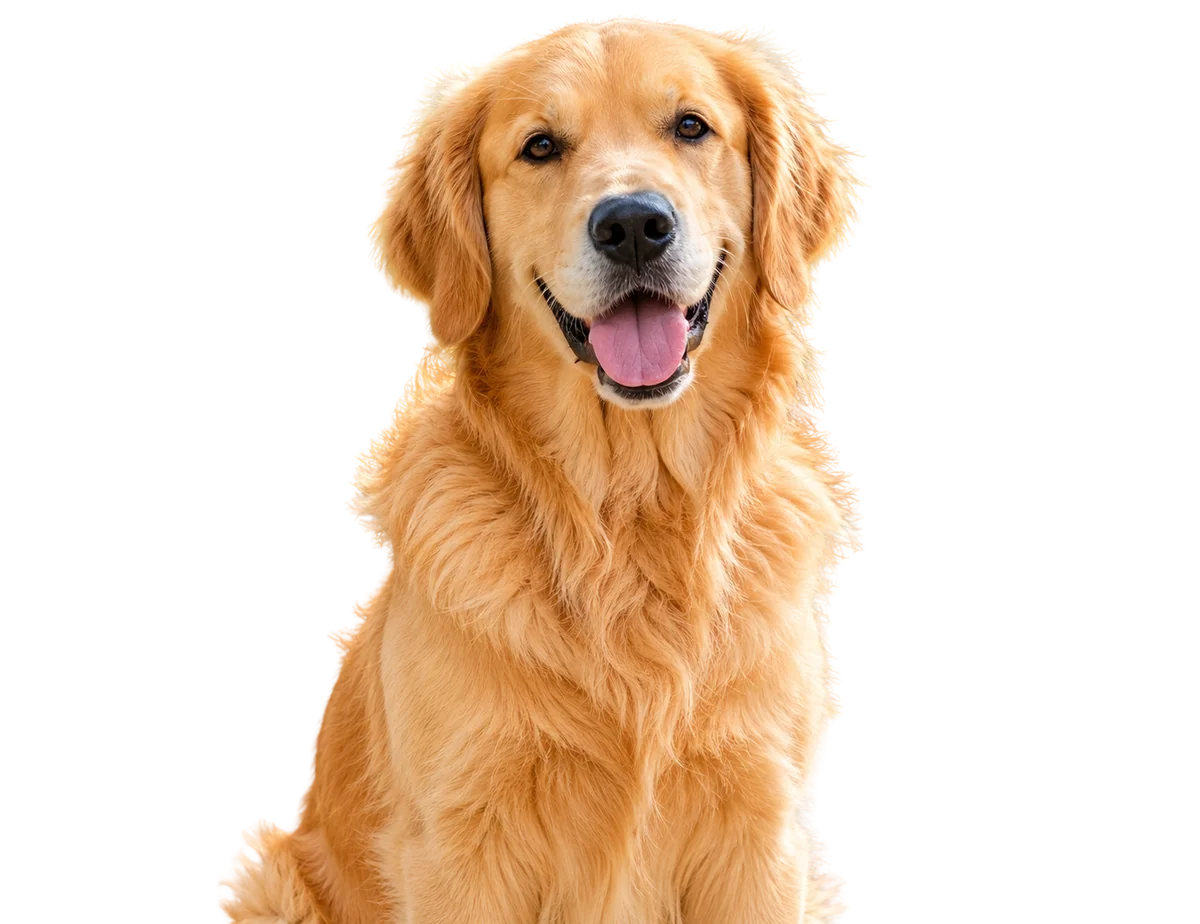
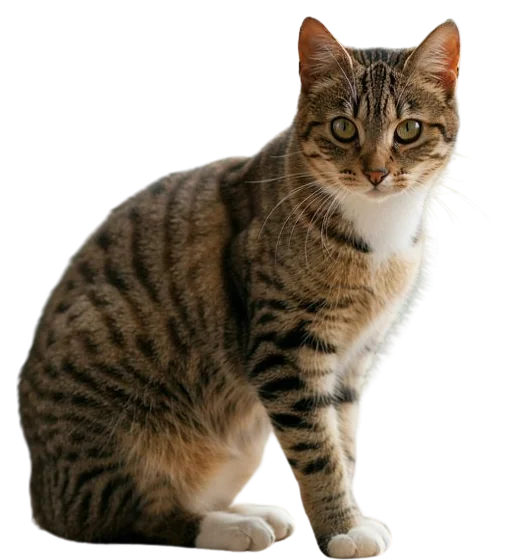
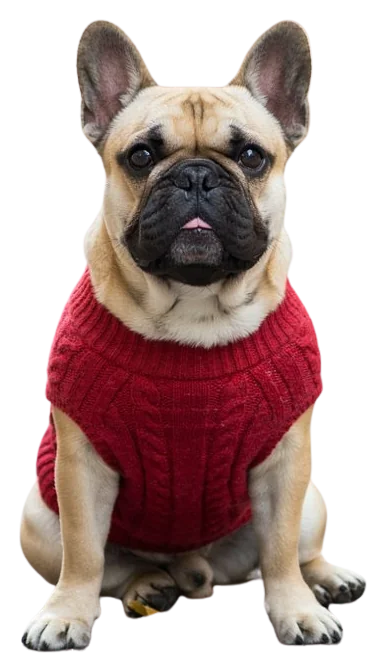
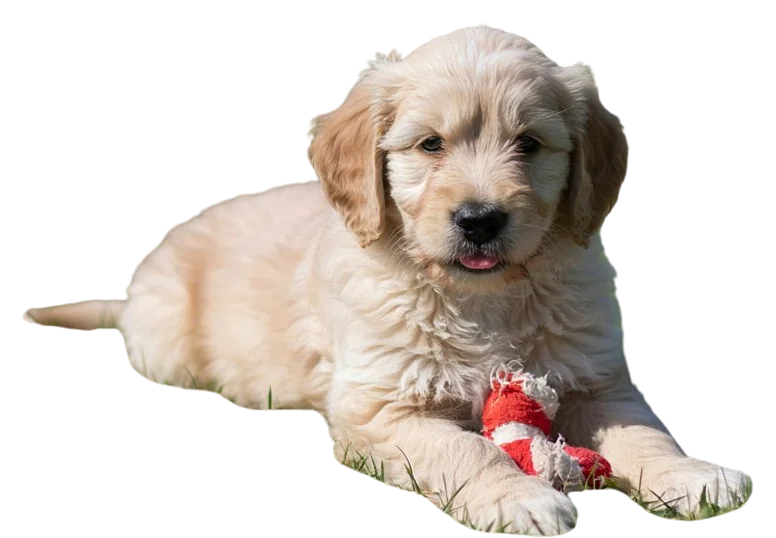
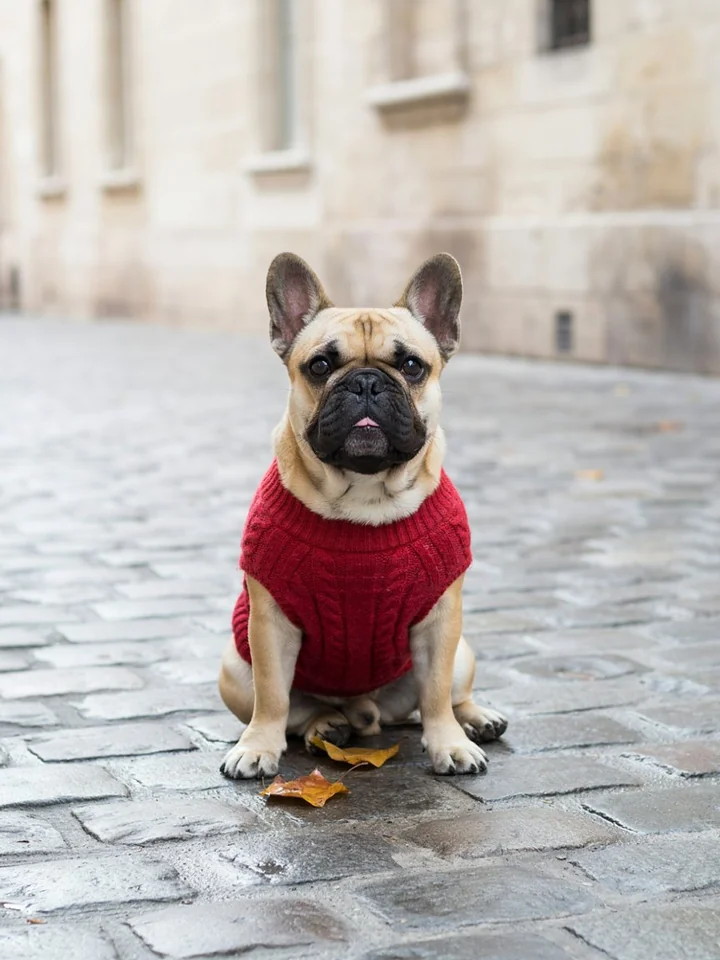
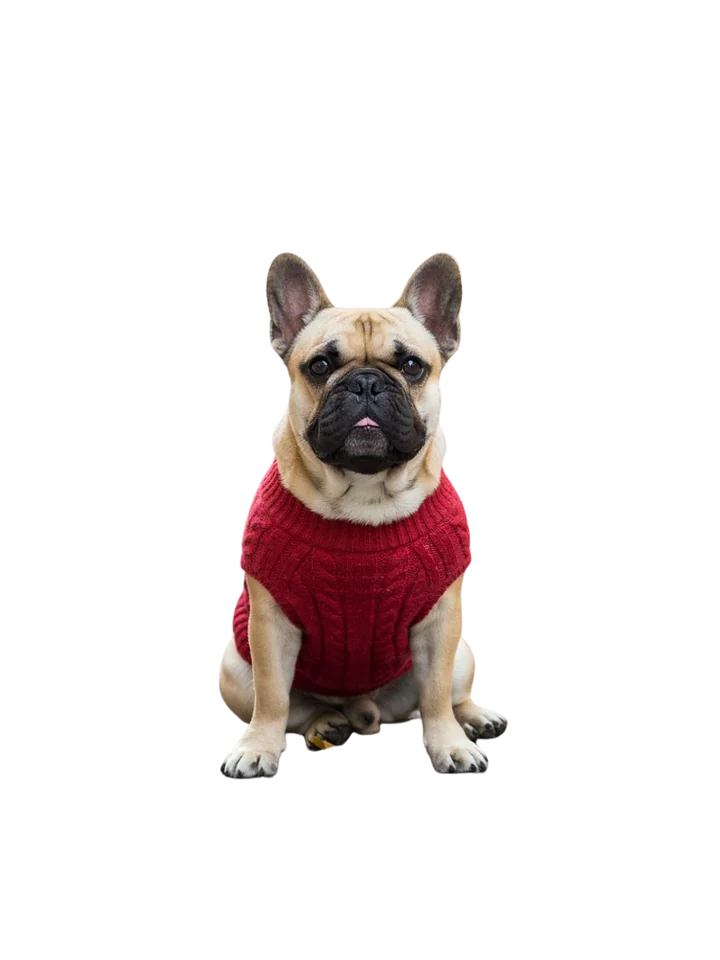
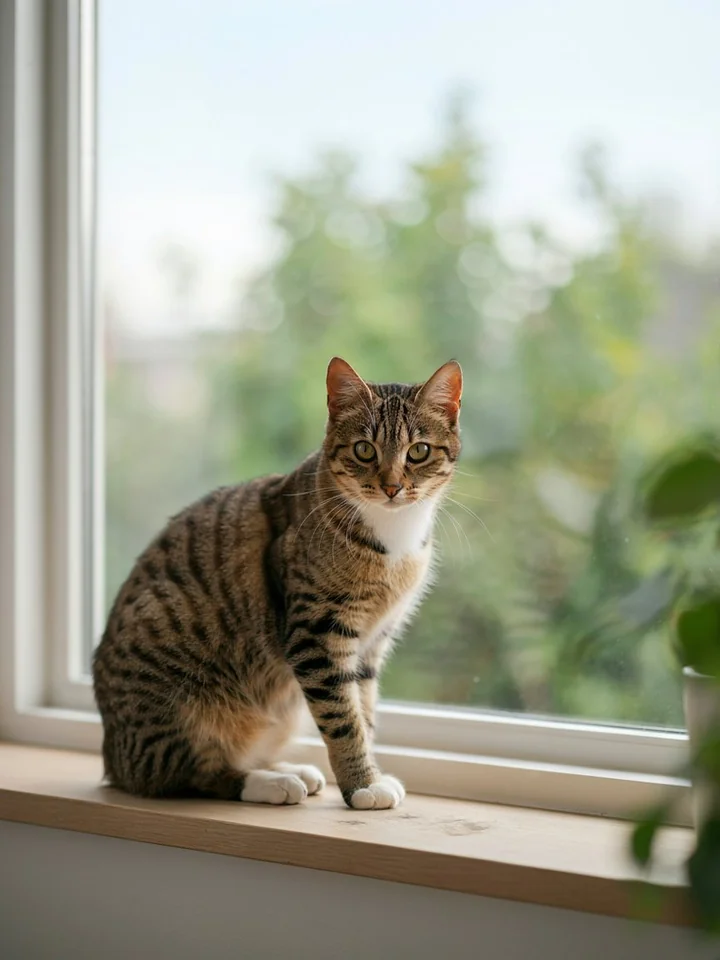
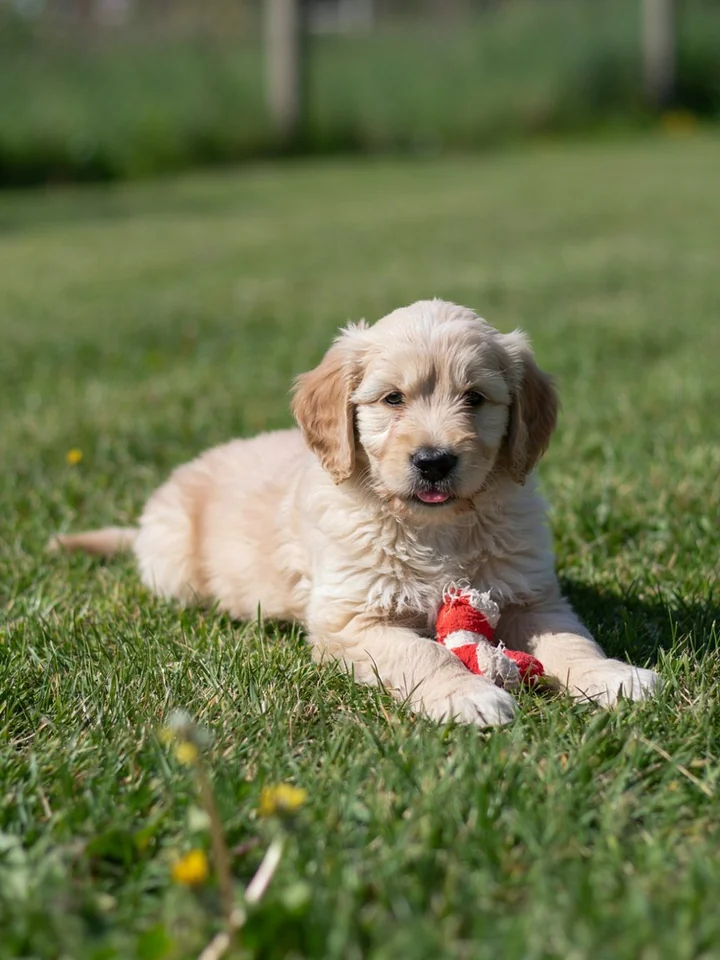
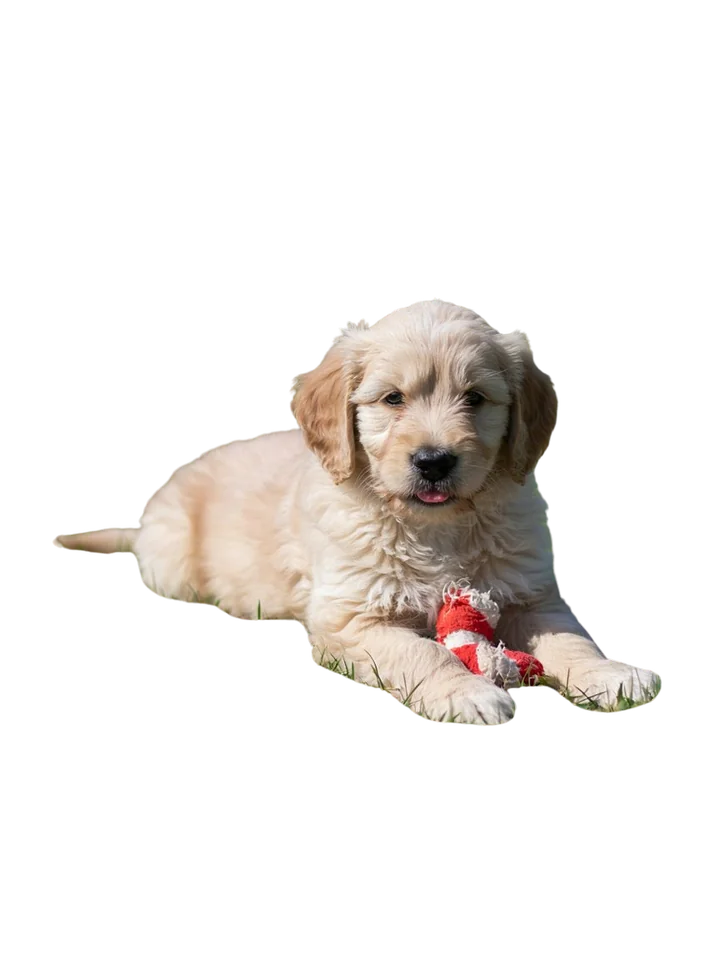
Lift your pet off a messy background, then drop them on any colour. Perfect for cards, stickers and posts.
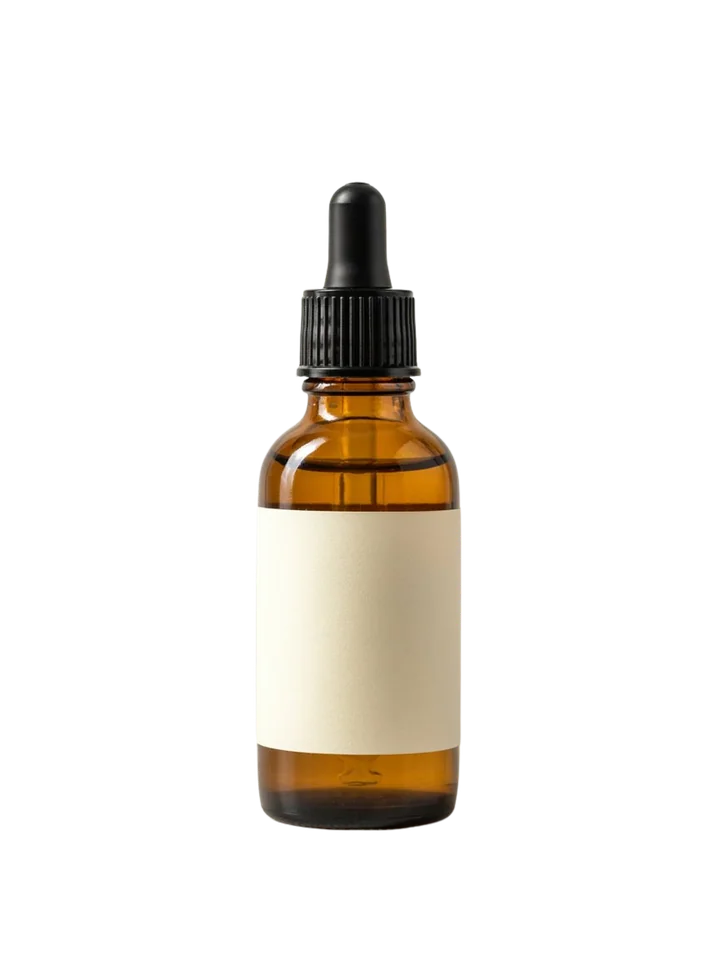
Skincare
Amber Glass Serum, 30 ml
4.8(1,248)
$24.00$32.00-25%
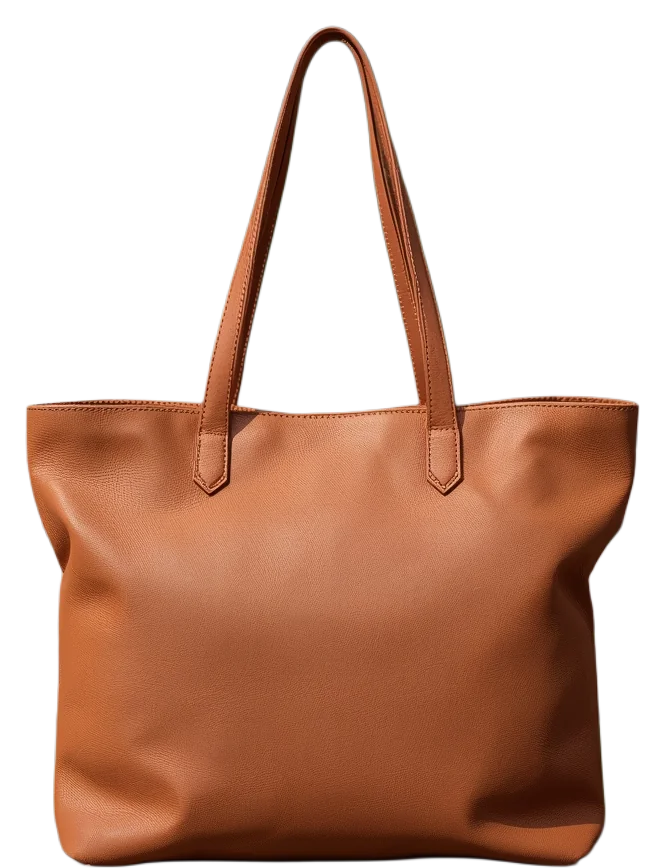
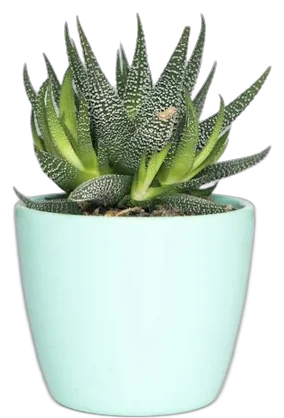
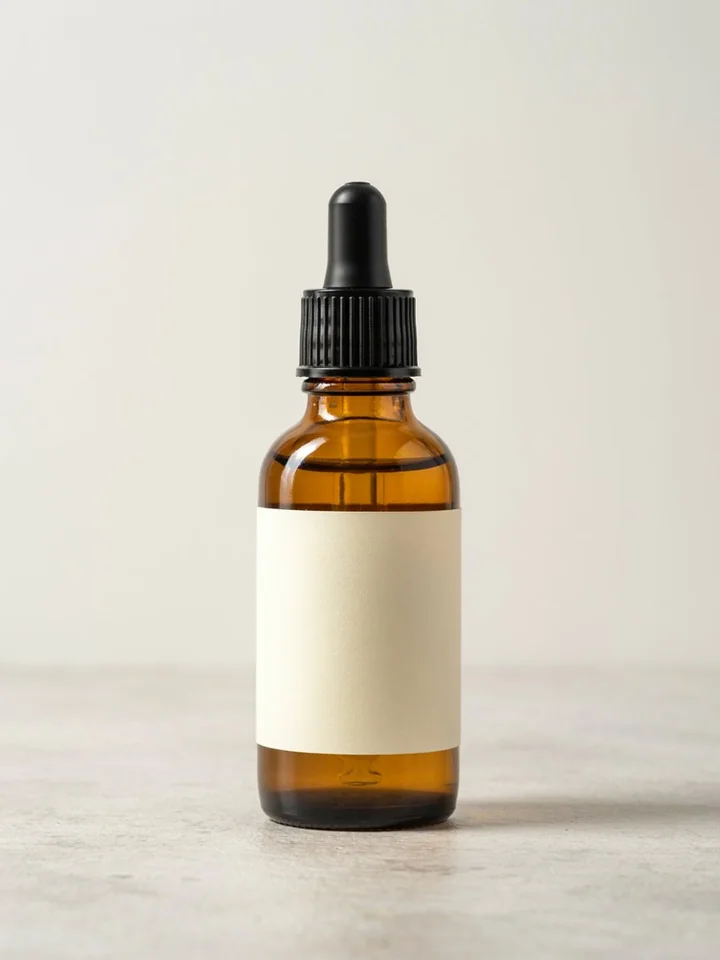
Add to cartGet clean white-background product photos for your shop in seconds, with no studio and no editing skills.
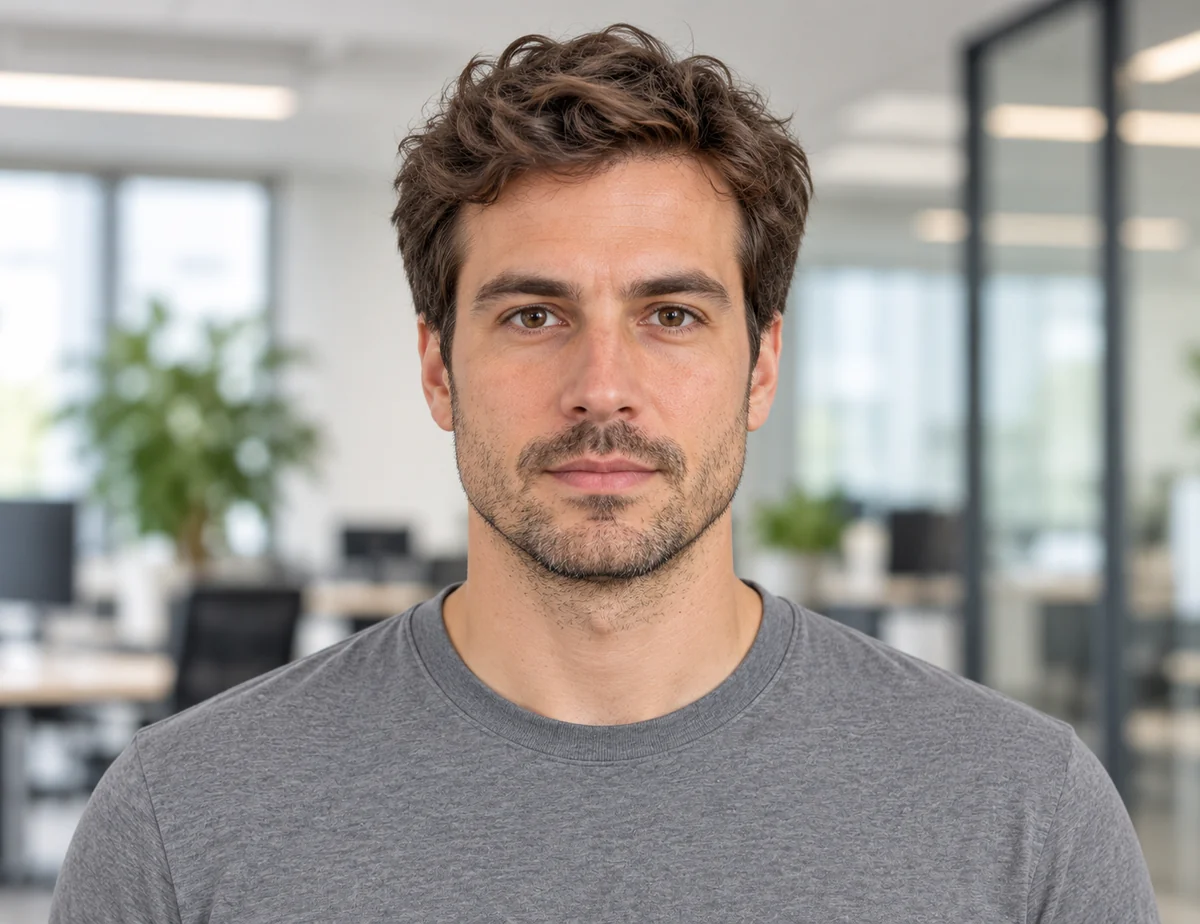
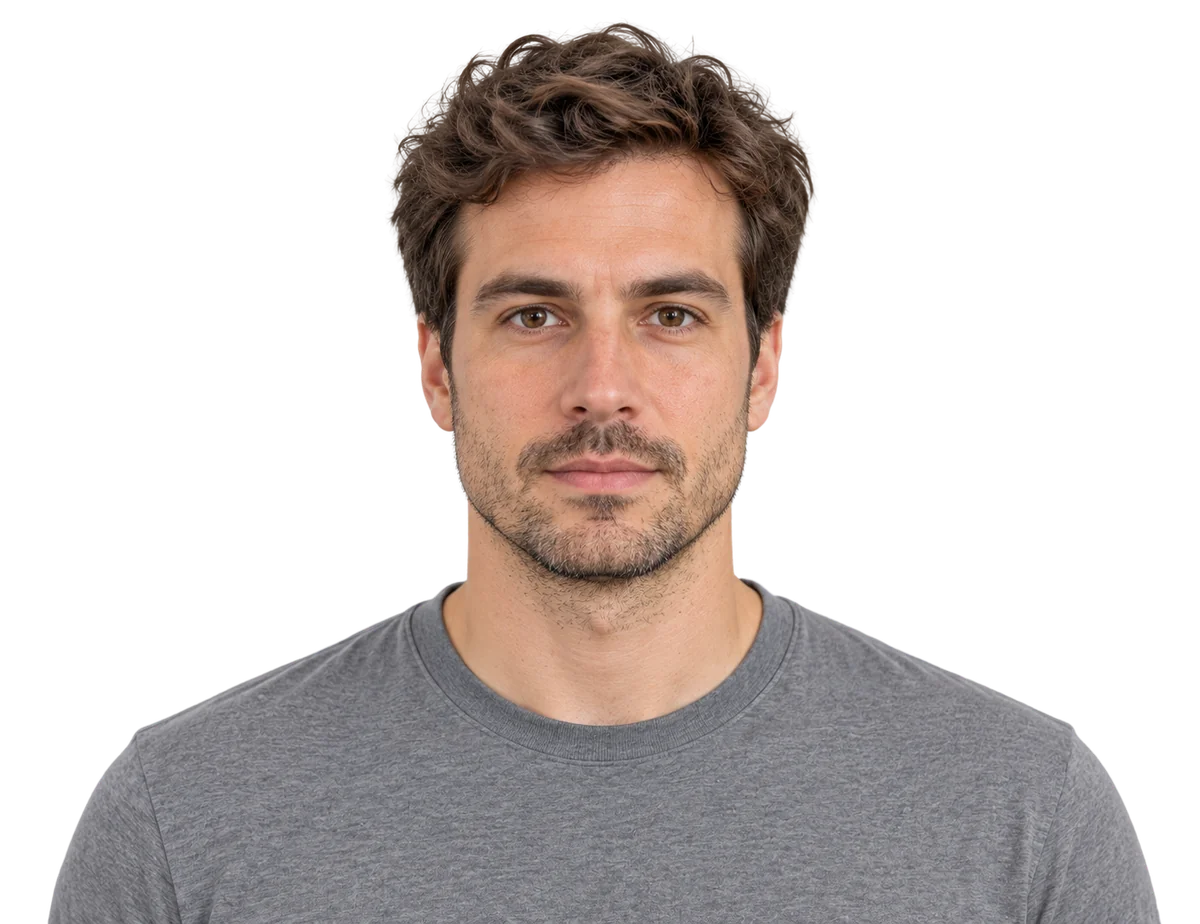
Swap in a plain white or blue background and get the exact size official forms ask for, ready to print.
Make small or blurry photos bigger and crisper with AI, so they stay clear when you print or post them.
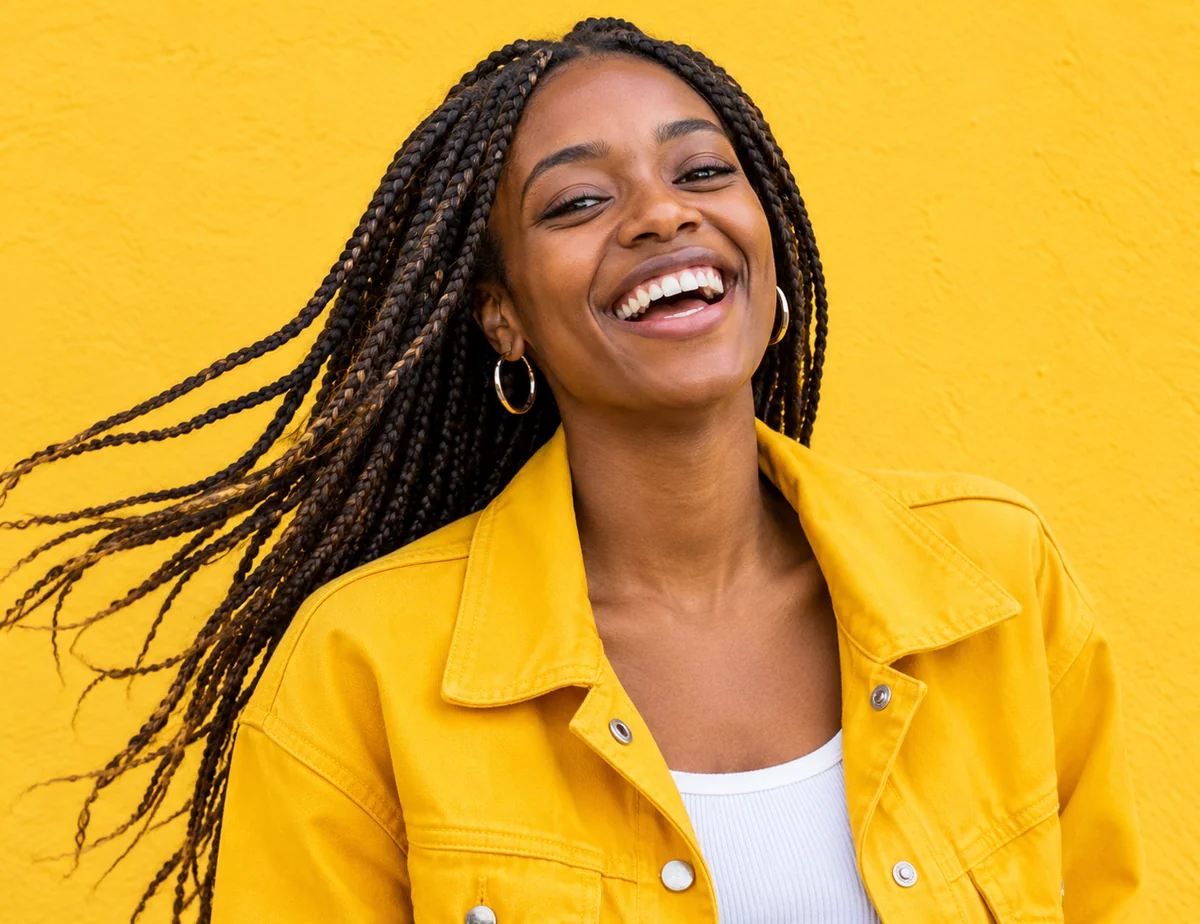
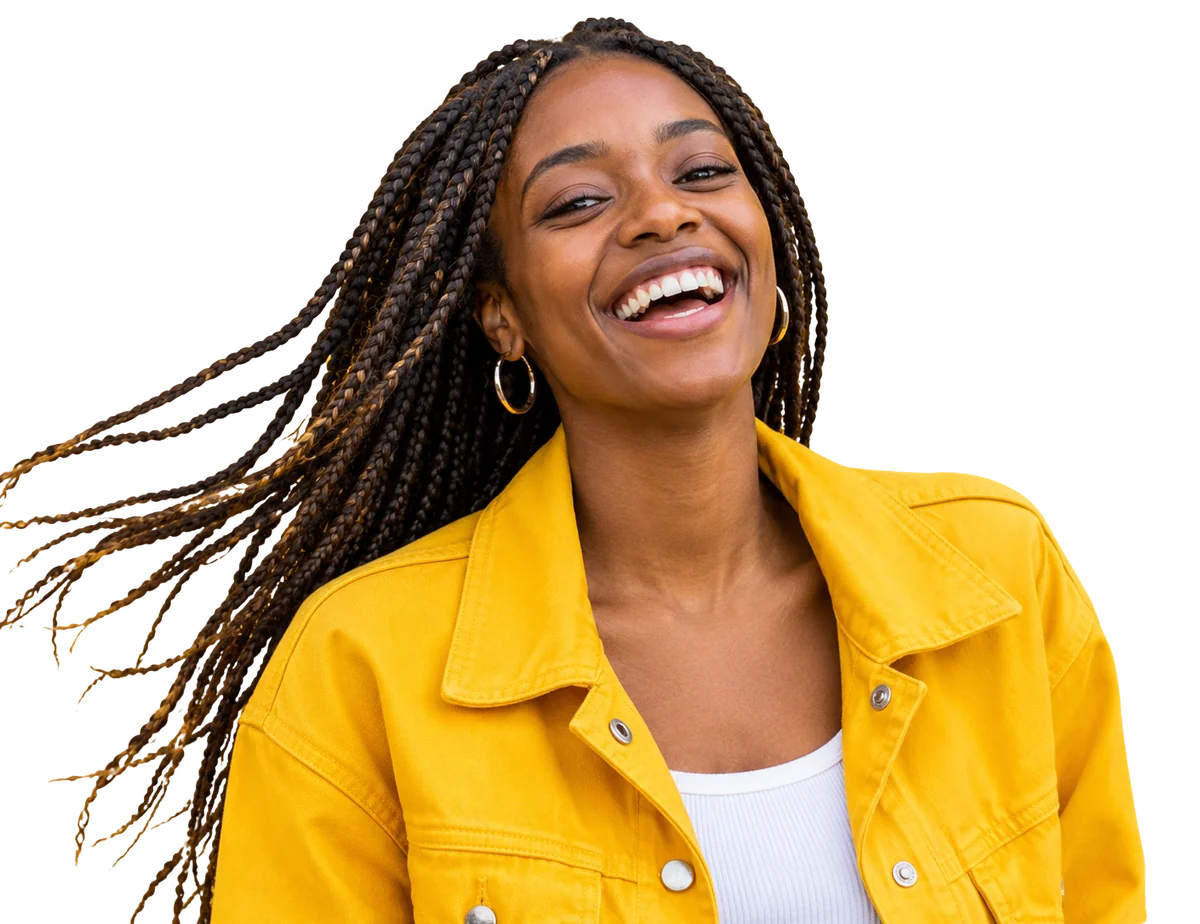
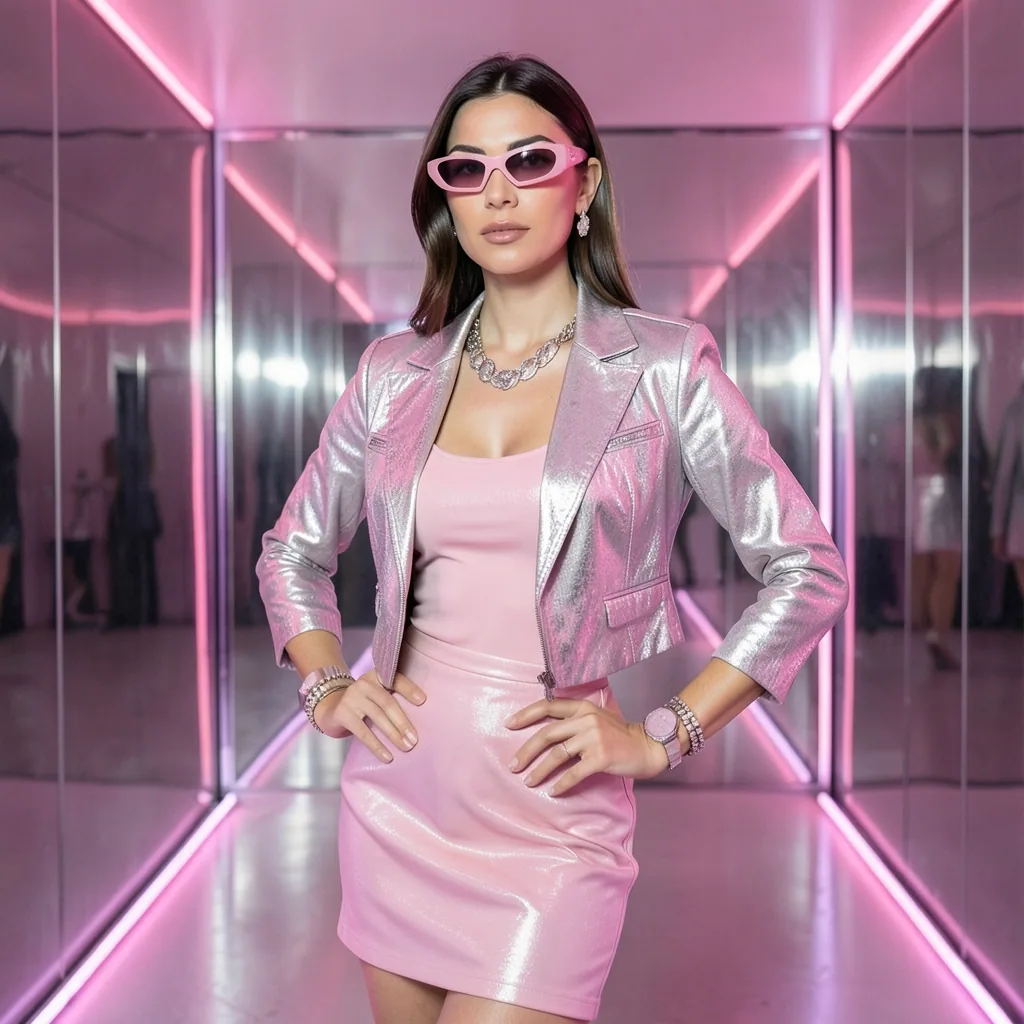
Put yourself on a bold colour or gradient background so your posts and thumbnails stand out in the feed.
Photo effects
Hover a card to see the result.Drag a card to compare. Every result comes from a free tool, with no sign-up.
Bring a black and white portrait back to colour with our free photo colorizer, in one click.
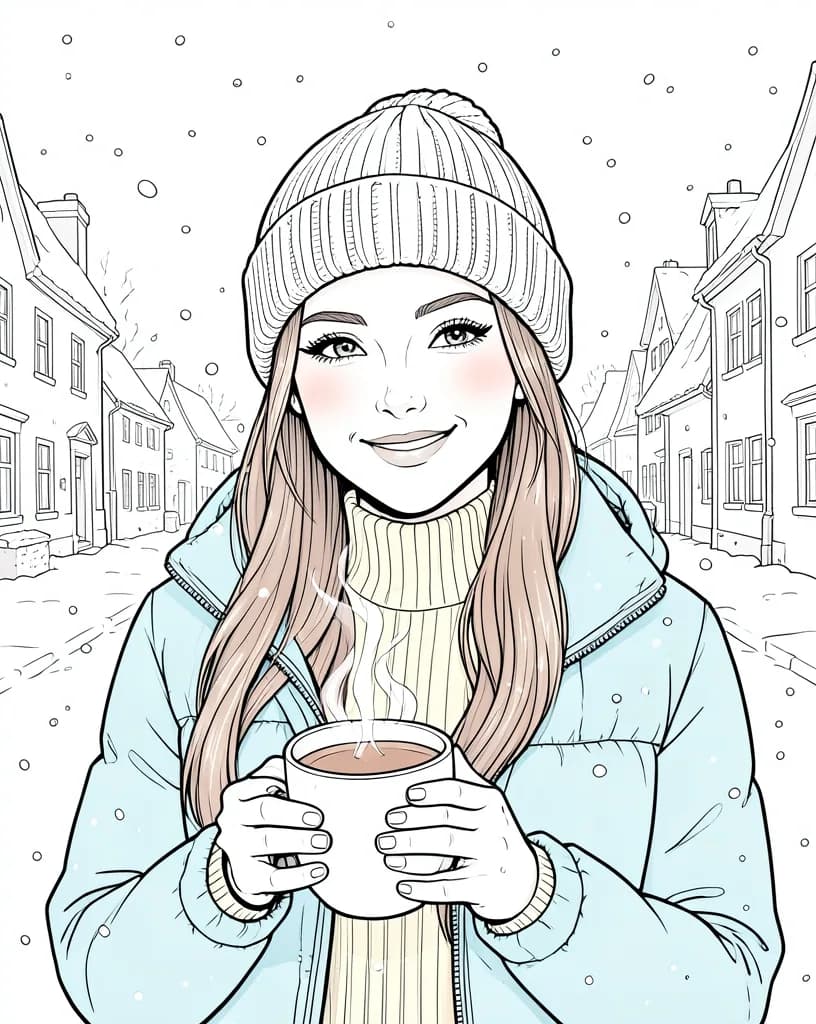
Turn any portrait into a hand-drawn pencil sketch you can print, frame or use as an avatar.
Make a fun cartoon version of yourself for profile pictures, stickers and gifts.
Get clean black ink outlines from a photo of a building, product or object, ready for colouring or print.
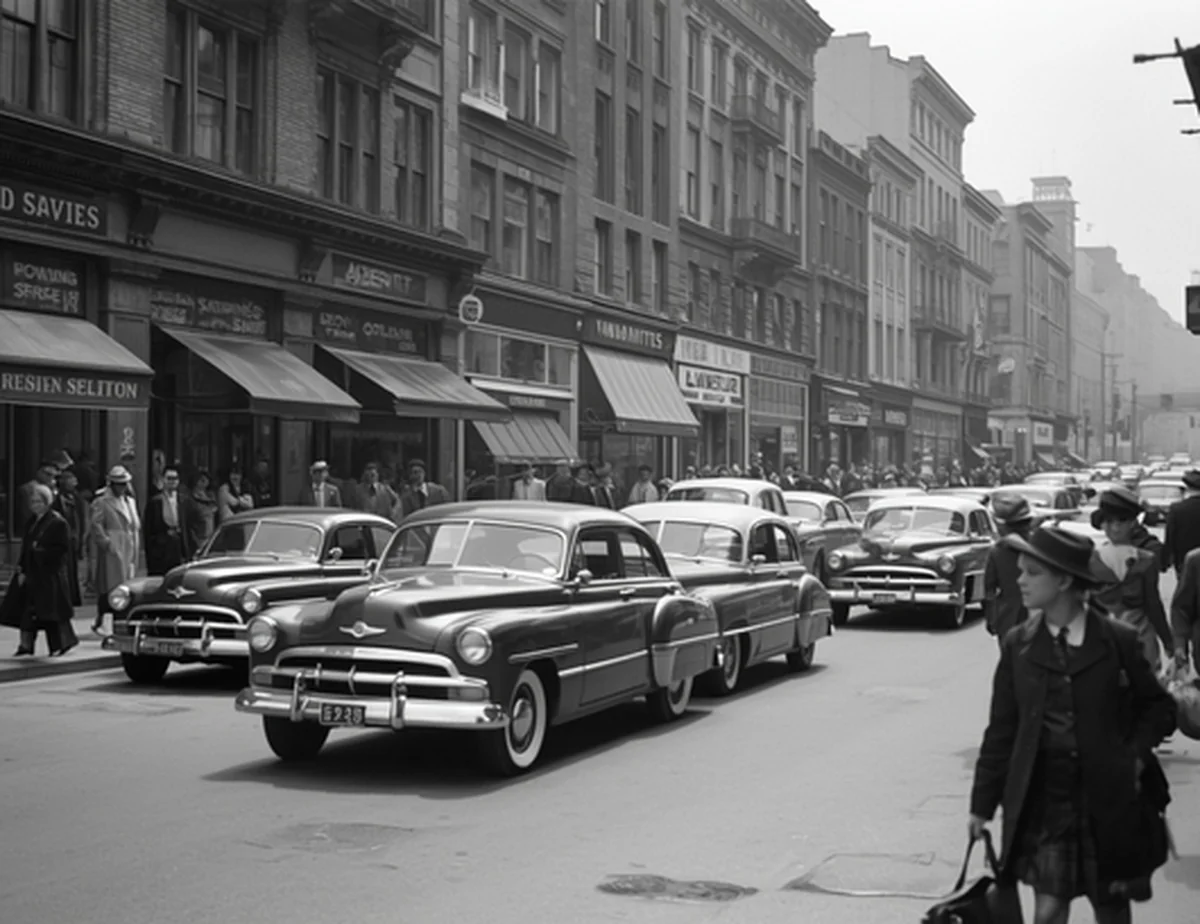
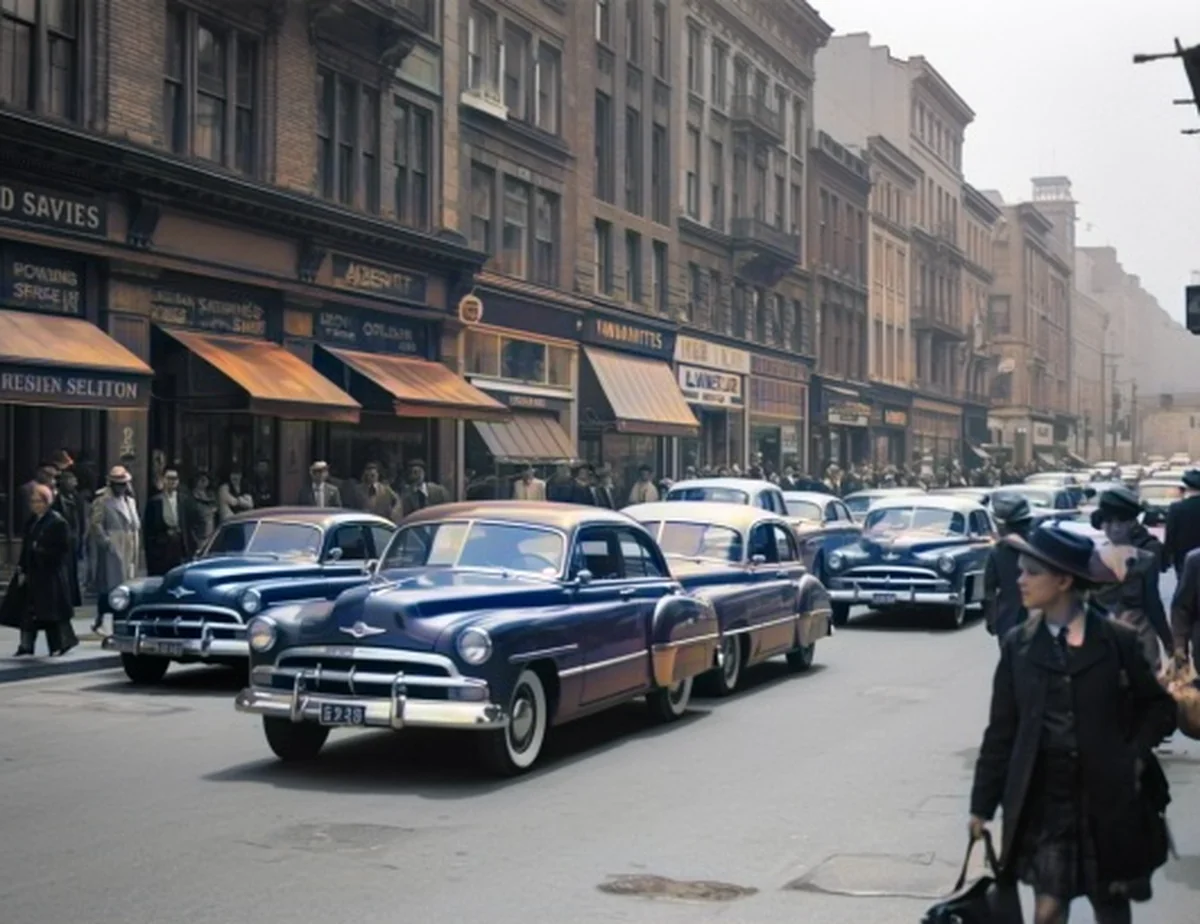
Add natural colour to old street scenes and family archives without any editing skills.
Make your subject pop with a soft, portrait-mode blur behind it, in one click and with no editing skills.
Free for everyday use, and most need no sign-up. Here is what they look like.
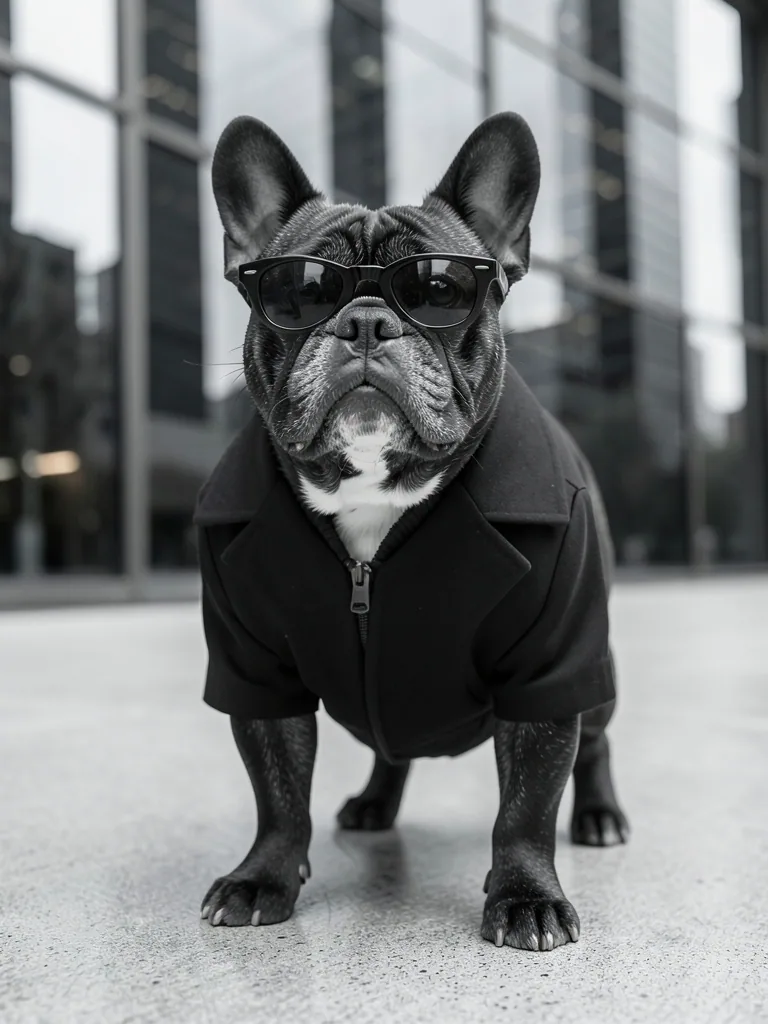
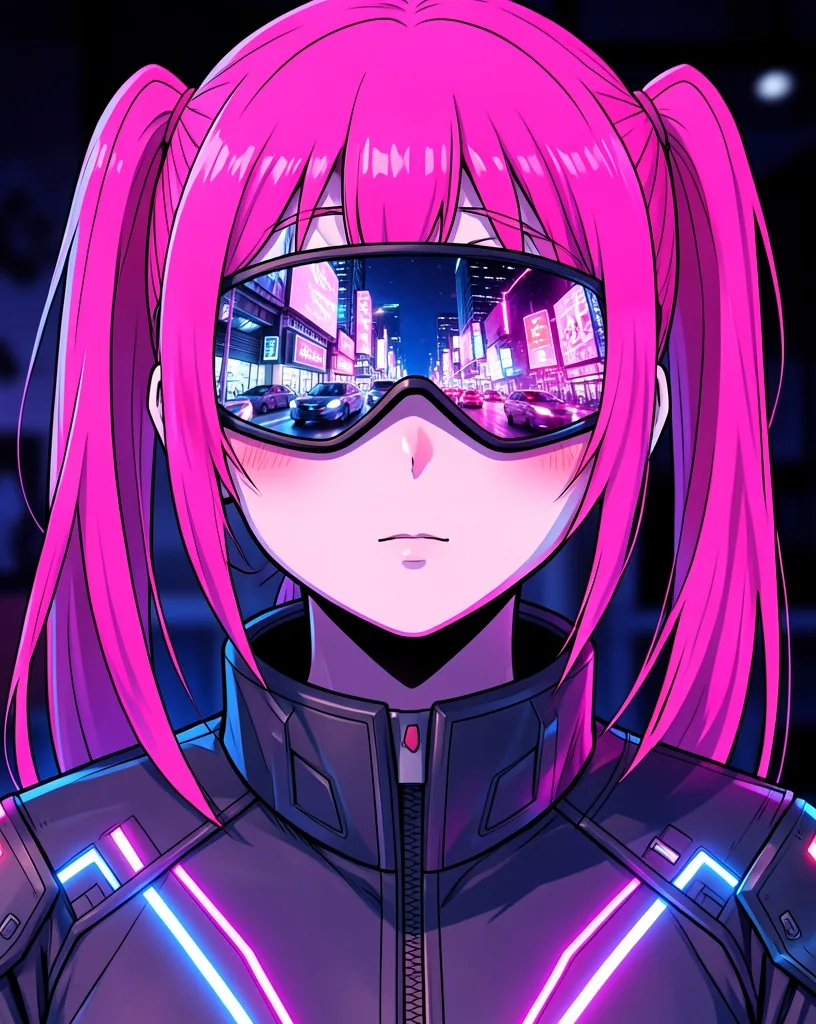
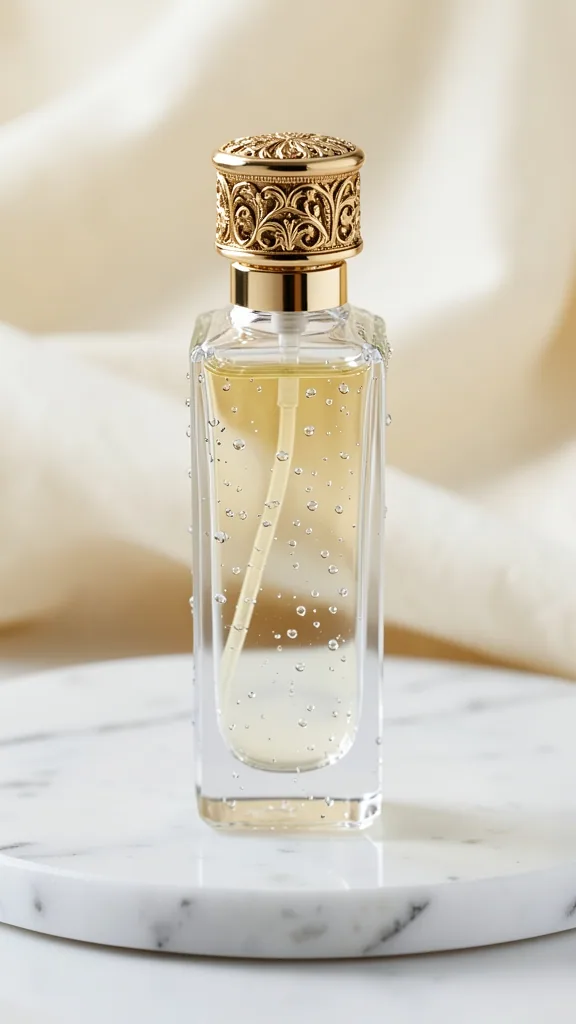
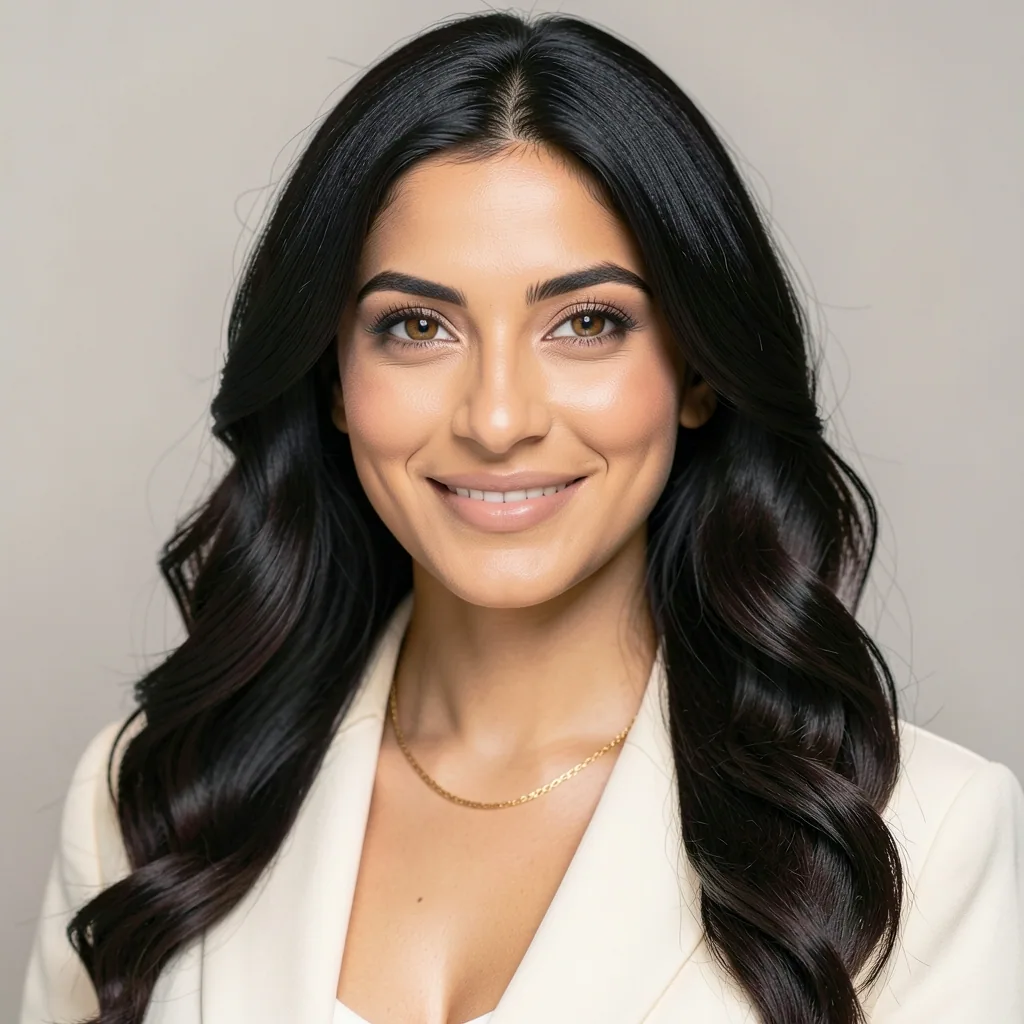
Type an idea and get an image in seconds. AI improves your prompt first; pick a style and an aspect ratio, then download JPG, PNG or WebP. Free, no watermark.
Learn moreBlur the background of any photo in one click while your subject stays sharp. Set the blur strength and download a PNG, JPG or WebP.
Learn morePhotoCartoon★Turn a portrait into an anime-style cartoon with AI. Adjust how strong the effect is and download it, no watermark.
Learn morePhotoSketch✎Turn a photo into a pencil sketch with AI. Pick how strong the lines are and download a clean drawing, no watermark.
Learn moreAdd natural colour to an old black-and-white photo with AI, keeping its detail. Adjust how vivid the colours are.
Learn morePhotoLine art✒Turn a photo into clean black line art on white. Good for colouring pages, tracing and engraving.
Learn more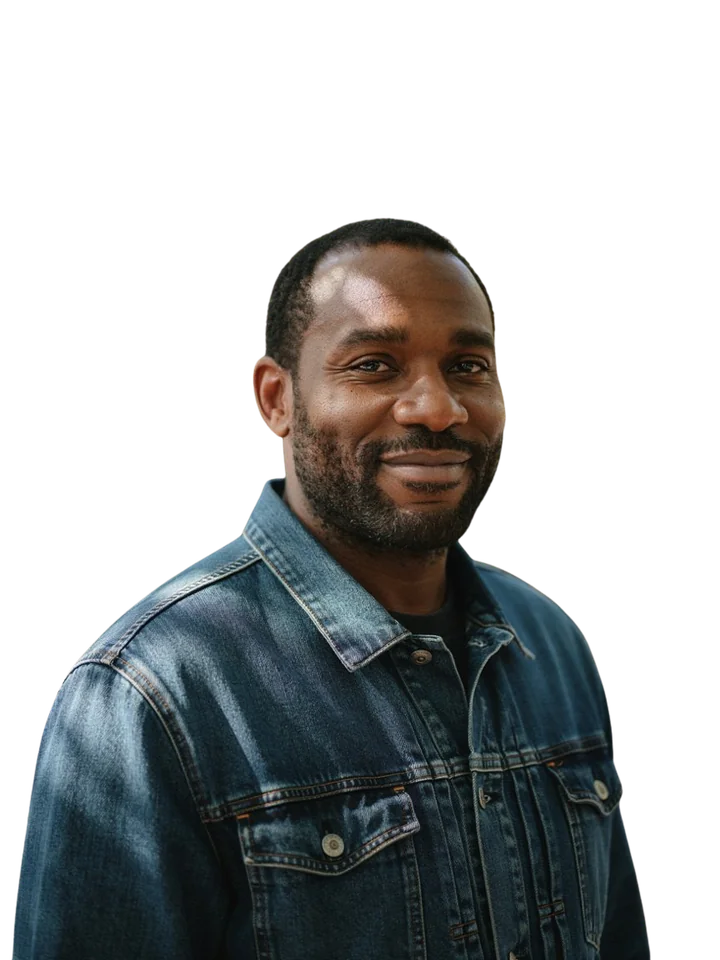
Erase any background in one click and get a clean transparent PNG.
Learn moreEnlarge a photo 2× with AI, which adds plausible detail.
Learn moreFile size−93%
2.4 MB→180 KB
JPGPNGWEBP
Shrink a photo or signature to 10, 20, 50, 100 or 200 KB, or any limit you type, with the best quality that fits.
Learn more4 photos · 35 × 45 mm · 4×6 in sheet
Make passport size photos for India, Pakistan, Bangladesh, Nepal, the US, UK, Schengen, Canada, Australia and China, with a head-size guide, digital file and 4×6 print sheet.
Learn moreDraw, type or upload a signature, save it for reuse, and sign every page in one click.
Learn moreEdit a PDF in your browser: add text, replace a line, whiteout, draw, sign, stamp a date, and rotate, delete or move pages, with the saved file checked.
Learn moreThree simple steps, right in your browser.
Drag and drop, paste, or choose a photo, PDF or video from your device.
Remove the background, resize, compress or convert. Most tools need one click.
Save the result at full quality, with no watermark. Most tools need no account.
Get the free ProCutOut app for Android and Windows.
Launches


Yes. Every tool on ProCutOut is free to use, with no trial period, no credits and no premium tier hiding the good features.
No. Open any tool, add your file and download the result. There is nothing to sign up for.
Most tools run in your browser, so those files are never uploaded. These use our server: Background Remover, Image Upscaler, Photo to Sketch, Photo to Colored Pencil Drawing, Photo to Line Art, Photo to Cartoon, Colorize Photo, AI YouTube Content Planner, DNS Lookup, and the optional AI steps in the Passport Photo tools, Logo Background Remover, Photo Enlarger and Photo to Poster Maker. Uploaded images are deleted automatically; the Privacy Policy lists how long each is kept.
Image tools work with JPG, PNG and WebP. PDF tools accept PDF files and common image formats. Limits vary by tool, and the two AI image tools accept files up to 3 MB.
Never. What you download is exactly what you created, with no logo or stamp added.
Yes. ProCutOut works in any modern browser on Android, iPhone, tablets and desktops, with nothing to install.
Describe an image and our AI will make it for you, free.